Seedance 2.5 commercial use is a practical question when you are making a product ad for a client. Veemo’s published acceptable-use policy includes lawful commercial creation, and its terms say output ownership is subject to the terms and your plan. That gives you a starting point, not permission to reuse every photograph, face, soundtrack, or brand asset in the project. Before delivery, identify your references, confirm their intended uses, review the actual generated footage, and agree what the client receives. This guide turns that work into a small production record you can use for a fifteen-second ad.
The goal is a clear handoff: approved source material, an accurately represented product, a final edit the client has reviewed, and an understandable record of what can be reused. The bottle-ad examples and diagrams are original planning illustrations, not generated results, paid tests, legal clearance, or sample contracts. This is general production information for a US advertising audience, not individual legal advice.
1. What Veemo’s current terms say about commercial work
The Veemo Acceptable Use Policy, checked on October 14, 2026, describes the service as supporting lawful creative, commercial, and personal media generation. It also asks users to respect intellectual-property, privacy, publicity, and brand rights, and not falsely imply an endorsement or affiliation. Those points apply to the material you upload and the campaign you make with it.
Under Veemo’s Terms of Service, you retain ownership of uploaded prompts and files; ownership of generated outputs is conditional on the terms and your plan. Users remain responsible for checking lawful use and third-party rights. For Seedance 2.5 commercial use, read those actual documents rather than treating a payment receipt, a successful export, or this article as a separate rights certificate.
Keep three questions separate in your project notes. What does the service contract say about your output? What permission covers the source materials? What have you agreed to deliver or license to the client? A helpful answer to one question does not answer all three. Write each answer beside its supporting document so the next person does not have to reconstruct your decisions.
2. Build a Seedance 2.5 commercial use reference ledger
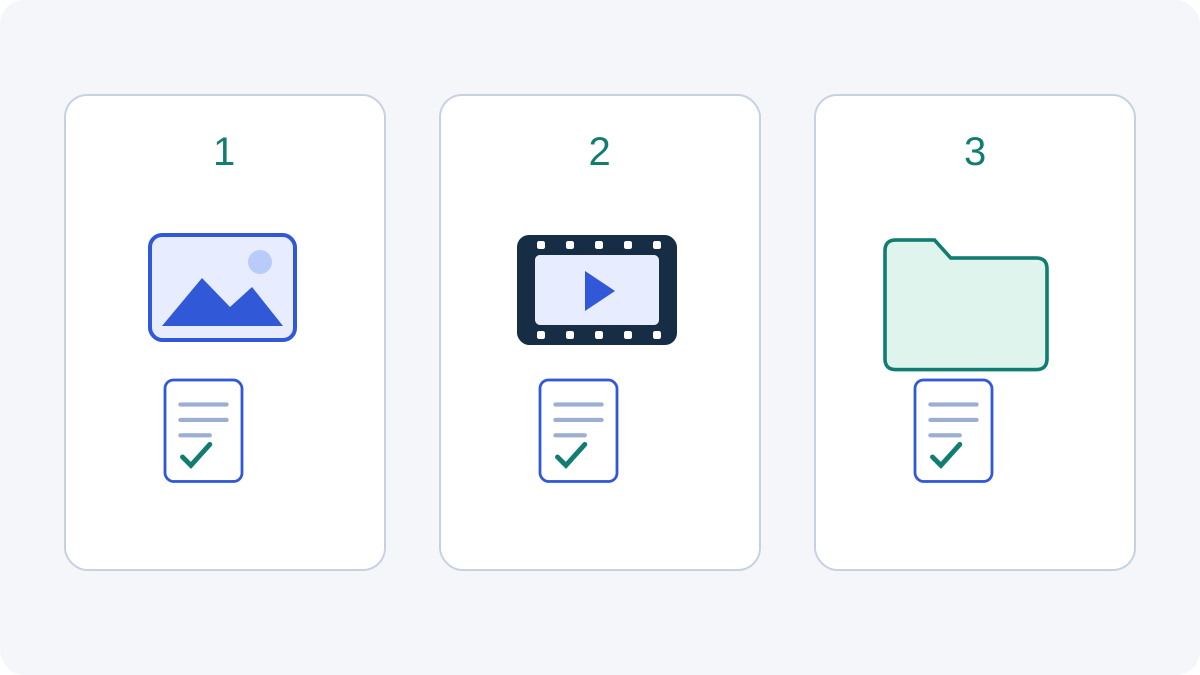
A useful Seedance 2.5 commercial use record can be a short spreadsheet or project note. Give each input a filename, identify who supplied it, record the permission you are relying on, and state how you intend to use it. Add a link to the actual agreement, license, or approval. “The client sent it” is useful provenance, but it does not explain the permitted campaign use by itself.
| Reference | Question to resolve | Record to keep |
|---|---|---|
| Product photograph | Who can authorize its use and alteration for this ad? | Source file and relevant written permission |
| Person or voice | Does the agreed use cover this portrayal and campaign? | Approval or release describing the intended use |
| Music or sound | Does the permission cover the client’s planned placements? | Track identifier and applicable license or consent |
| Existing video | May it be used as a reference and changed for this project? | Source, permitted use, and any relevant restrictions |
| Logo or packaging | Is the brand asset supplied and approved for this brief? | Approved artwork and client instructions |
Use plain status labels such as confirmed, needs clarification, and replace. These are your project-management labels, not legal findings. Assign an owner to every open question. If the soundtrack still needs clarification, the editor can work with a temporary reference while the final audio choice stays open; do not quietly turn that temporary track into the delivery asset.
Ask specific questions early. “Can we transform this photograph into AI-assisted product footage for the client’s paid social campaign?” is more useful than “Is this image okay?” Include the actual client, proposed transformation, placements, and any reuse you expect. You do not need to demand an elaborate agreement for every routine internal asset; you do need a record that explains the decision you made.
3. Build the brief around material you can actually deliver
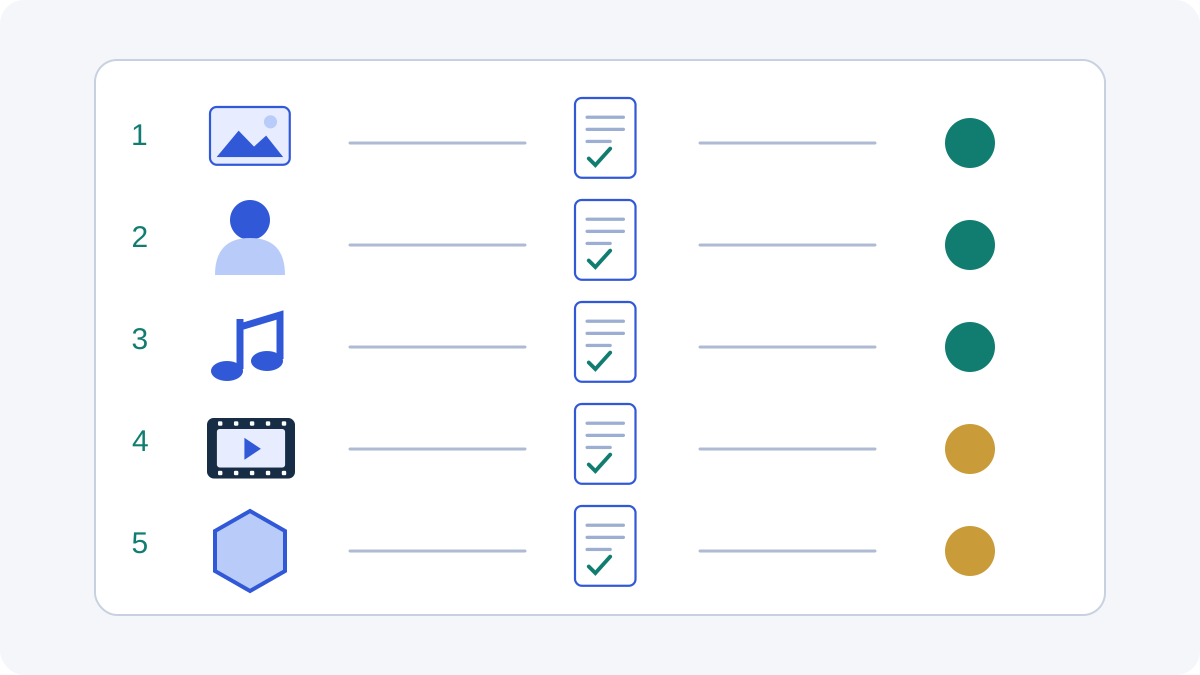
Consider a fictional fifteen-second bottle advertisement with three five-second shots: a product introduction, a simple demonstration, and a closing product view. The client supplies an approved bottle photograph and packaging artwork. The brief asks for consistent product shape and color, a restrained camera movement, and space for a final offer added during editing. It does not ask the model to invent customer reviews or clinical claims.
For this Seedance 2.5 commercial use example, make a practical choice about every extra asset. If a recognizable person is unnecessary, a product-only composition can simplify the production record. If music is not ready, review the first rough cut without final audio. These are workflow choices, not a claim that excluding a person or soundtrack automatically clears every right in the advertisement.
Separate reference preparation from the generation request. Save the original photograph, then save your working crop as a different file. Record which version you uploaded. Keep client-approved label artwork available for the edit rather than relying on the generator to reproduce every small character. When the project changes, this file history helps you identify which approval or asset needs another look.
For a reveal with specified opening and closing images, use the first-and-last-frame product guide. For changes to existing footage, use the video-editing guide. They explain different creation tasks; neither substitutes for the source-material record you build here.
4. Review what the generated ad actually communicates
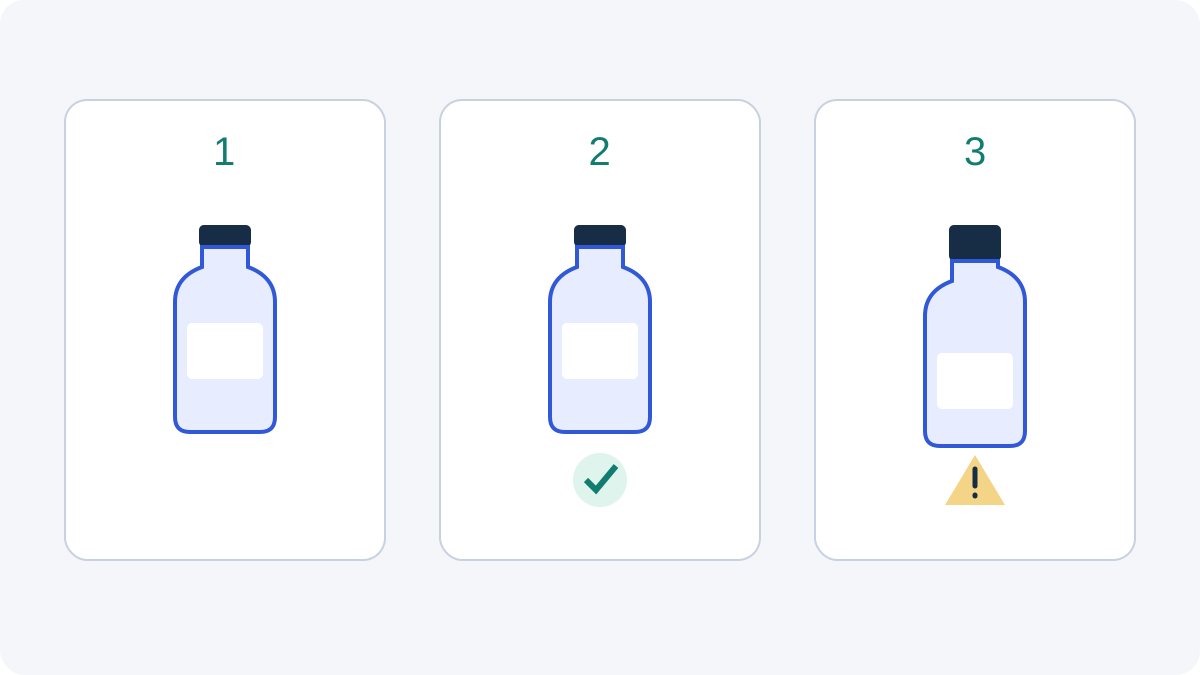
A sensible Seedance 2.5 commercial use review looks beyond whether the clip is attractive. Compare the output with the approved product reference. Check the cap, silhouette, logo placement, visible text, and demonstrated action. Inspect the final edit as a whole, because a caption or transition can change what an otherwise ordinary shot appears to claim.
The FTC’s advertising guidance says advertising claims must be truthful, nondeceptive, and supported by evidence. An AI-generated scene does not establish evidence about the real product. In the fictional bottle brief, a visually convincing demonstration should not become proof of performance merely because it looks realistic.
Give the reviewer a concrete comparison, not just a play button. Put the approved product photograph beside representative frames, list the intended message, and flag any changed detail. If a label is distorted, correct it in a suitable edit or replace the shot. If an action communicates a product capability the client has not approved, change the action rather than hiding the issue behind a small caption.
If the creative direction includes an endorsement, check the actual message and relationship. The FTC’s endorsement guidance explains that endorsements must be honest and that relevant unexpected connections may need clear disclosure. Do not present a fictional generated presenter as a real customer whose experience you have verified. A product-only explanation may be a better fit when no real testimonial is available.
5. Distinguish commercial permission from copyright protection
The US Copyright Office’s Part 2 report on AI and copyrightability distinguishes human-authored expression from purely AI-generated material. It explains that human contributions are assessed case by case, and that prompts alone generally do not provide sufficient expressive control. This is a separate question from what a service contract permits you to do with an output.
For Seedance 2.5 commercial use, document the work you actually contribute: your original script, approved graphic design, selected sequence, timing, voice performance, or substantial edits. This helps explain the project to a client. A long prompt history, a large credit spend, or a list of software tools is not a substitute for identifying human creative expression.
Do not promise a client exclusive statutory rights in every generated pixel. Explain what you made, what came from licensed or client-supplied material, and what was AI-generated. If a deal depends on exclusivity, registration, or an important disputed asset, get advice appropriate to that transaction. This guide does not determine whether a particular finished advertisement is copyrightable.
6. Agree the handoff before the final export
A clear Seedance 2.5 commercial use handoff describes the deliverable in ordinary production language. Specify the finished edit, aspect ratios, audio version, approved copy, and any source files included. Then state the intended placements and the client’s reuse expectations. This is a briefing checklist for your discussion, not contract language that settles every legal issue.
| Handoff item | Useful description |
|---|---|
| Final files | Named master edit and agreed export versions |
| Source material | What is included, supplied by the client, or separately licensed |
| Campaign use | Intended placements and any agreed reuse boundaries |
| Creative record | Script, edit decisions, approvals, and AI-generation notes |
| Later changes | Who approves new copy, packaging, audio, or distribution requests |
Keep editable project files separate from original third-party assets. Delivering a finished ad does not tell the client which underlying files they can pass to another agency. Include a short asset note that identifies where a separate permission or license applies. If a client requests raw references you were not planning to deliver, resolve that request before placing those files in the handoff folder.
For the fictional bottle project, the client might receive an approved fifteen-second master, a silent version, and an agreed vertical crop. Your record can identify the client’s product photograph, your edited sequence, and the selected audio source. These are illustrative deliverables, not a mandatory bundle or a guarantee that one generation produces every version.
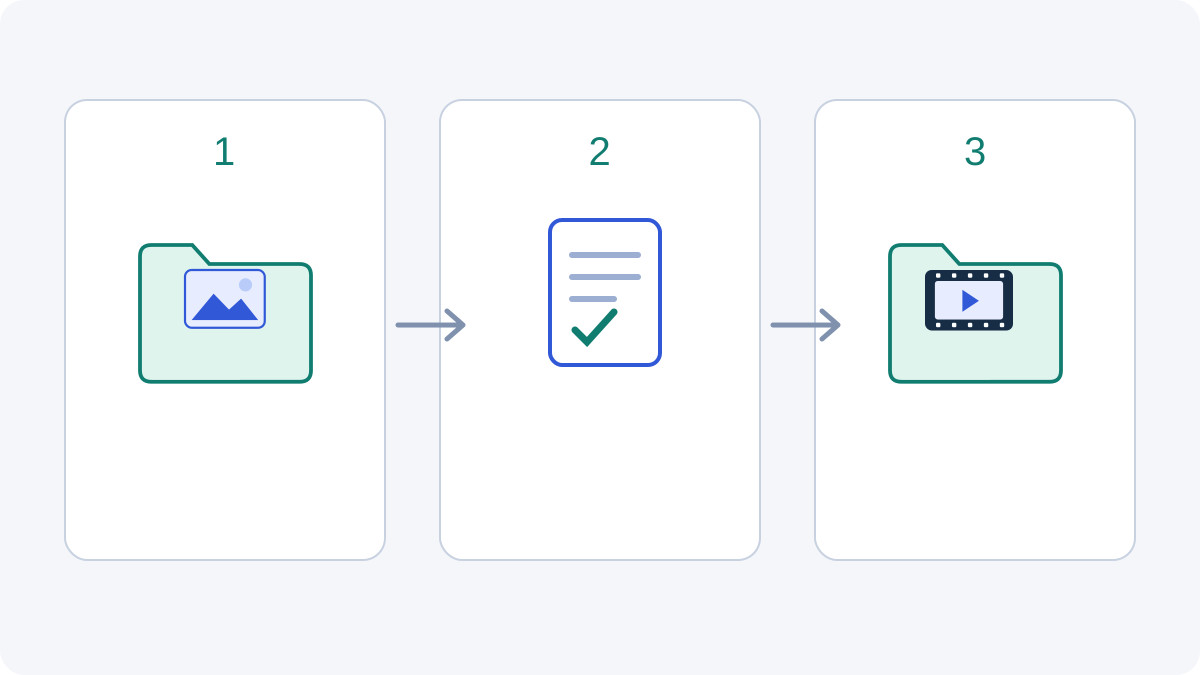
7. Use the official demonstration as inspiration, not an asset library
The official Dreamina Seedance 2.5 launch demonstration is embedded below as a public vendor video. Its public and embeddable status was checked. It is not a collection of clips supplied for your client’s advertisement, nor evidence of a license covering your own references or final campaign.
For Seedance 2.5 commercial use, watch it with a production question in mind. Identify a general action or camera idea that might suit your product, then describe that idea using your own brief and approved materials. A controlled reveal or a short demonstration can inform the kind of shot you plan without copying a particular vendor scene, soundtrack, character, or branded item.
Translate that inspiration into a reviewable request: which product detail stays fixed, what moves, what the viewer should understand, and which final text you will add yourself. Keep the vendor demonstration link in the research folder and your actual reference files in the asset ledger. That distinction lets a client see the creative direction without confusing promotional footage with something your team has produced or been authorized to reuse.
8. Questions before a client campaign
Does paying for generation clear every commercial right?
No. For Seedance 2.5 commercial use, the service’s output terms are one part of the project. Uploaded references, recognizable people, music, brand assets, and your client agreement need their own review. Keep payment and generation records, but do not treat them as permission documents for unrelated assets.
Can I start with a product photo supplied by my client?
Ask the client to identify the source and confirm the intended transformation and campaign use. Save that response with the file. If the client cannot answer, decide whether another approved photograph would serve the brief. This is a practical way to resolve an open input question before spending time generating variations.
Does a successful generation mean the advertisement is approved?
No. Review the real footage, product details, copy, and audio, then obtain the client’s approval for the specific final edit. Technical completion and creative approval are different events. A later change to packaging, a caption, or the soundtrack can justify reviewing the changed version again.
Can I promise the client exclusive copyright?
Do not infer that promise from the model name or a paid plan. The Copyright Office distinguishes human expression from purely AI-generated material. Describe the actual contributions and licensed components; get transaction-specific advice if exclusivity is central to the deal.
Should I hand over prompts and editable files?
Agree that scope with the client. A final-video commission does not by itself explain which working files you intend to include. For Seedance 2.5 commercial use, identify the requested files, their sources, and any separate permissions before adding them to the delivery folder.
What should I keep after delivery?
Keep the approved brief, asset ledger and supporting records, generation settings, edit history, final exports, and the client’s version-specific approval. Use your normal record-retention and privacy practices. The purpose is to answer later questions about a particular campaign, not to collect unnecessary personal information.
9. Move from a clear brief to a clear delivery
A useful Seedance 2.5 commercial use workflow starts with a real project: approved product assets, a small shot plan, and an agreed handoff. Resolve open reference questions, generate the footage you need, review what it communicates, and keep the final client approval with the exported files. That record is more useful than a broad “commercial rights included” label that does not describe the materials or deal.
When your materials and brief are ready, plan your product shots in Veemo. Check the selected model, inputs, duration, resolution, and displayed credits before submitting. For an existing product demo that needs a longer ending, the continuation guide covers that separate task. Keep creative execution and the client’s usage record connected throughout the project.
Sources and method: Veemo’s published terms and acceptable-use policy, current US Copyright Office materials, and FTC guidance were checked on October 14, 2026. The official vendor video was verified for public embedding. All project examples and diagrams are illustrative editorial work; no paid generation, legal-clearance test, client result, or advertising-performance benchmark was performed. Recheck the linked terms and guidance for your project.