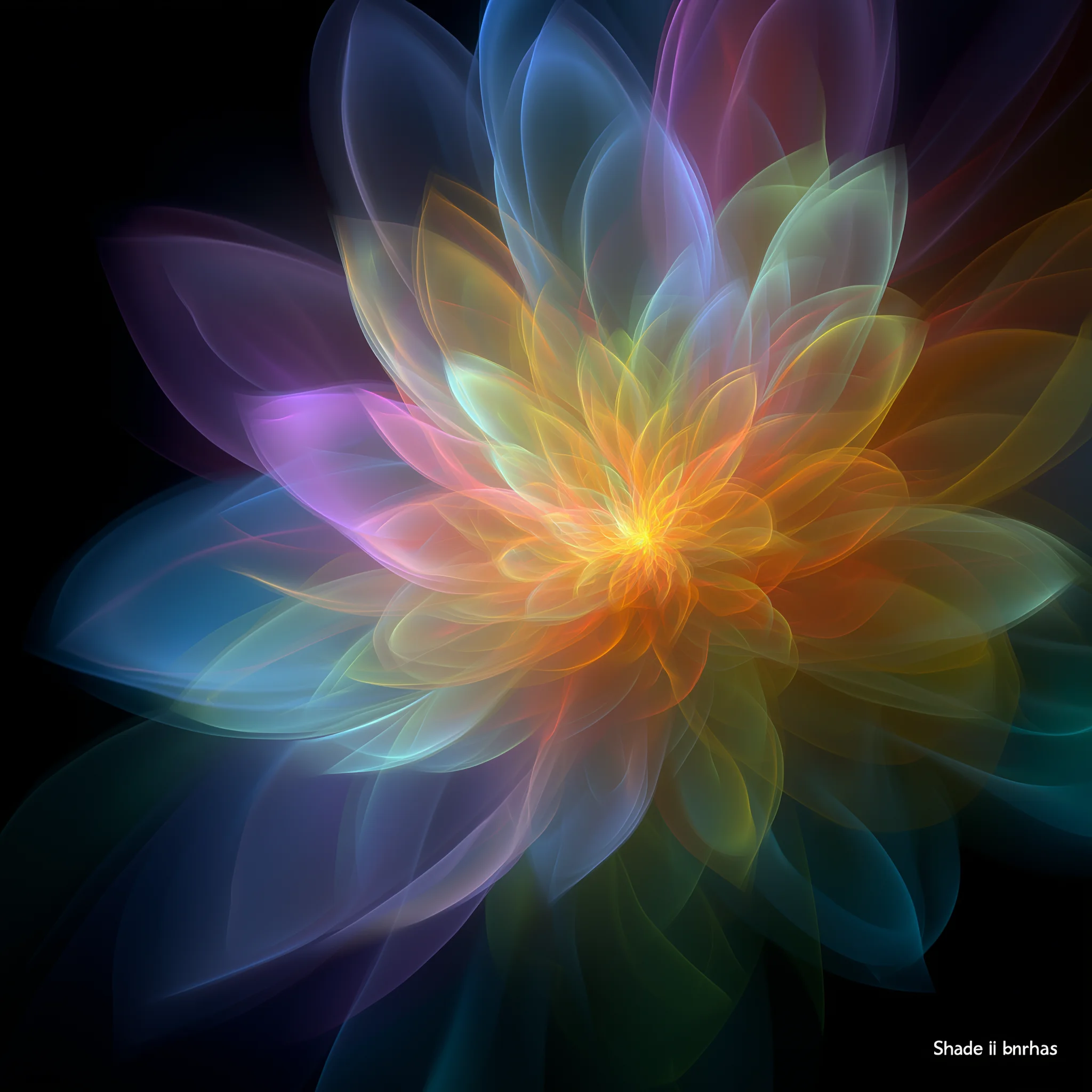
Before and after
Make more of the image you already have
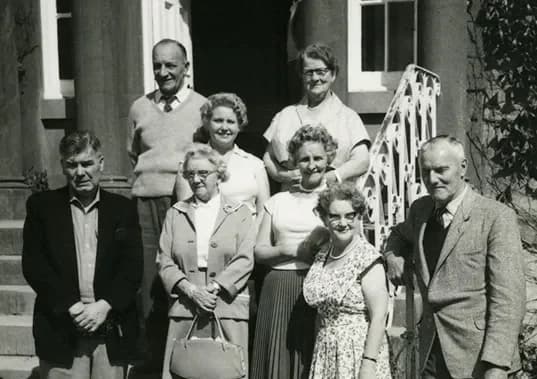
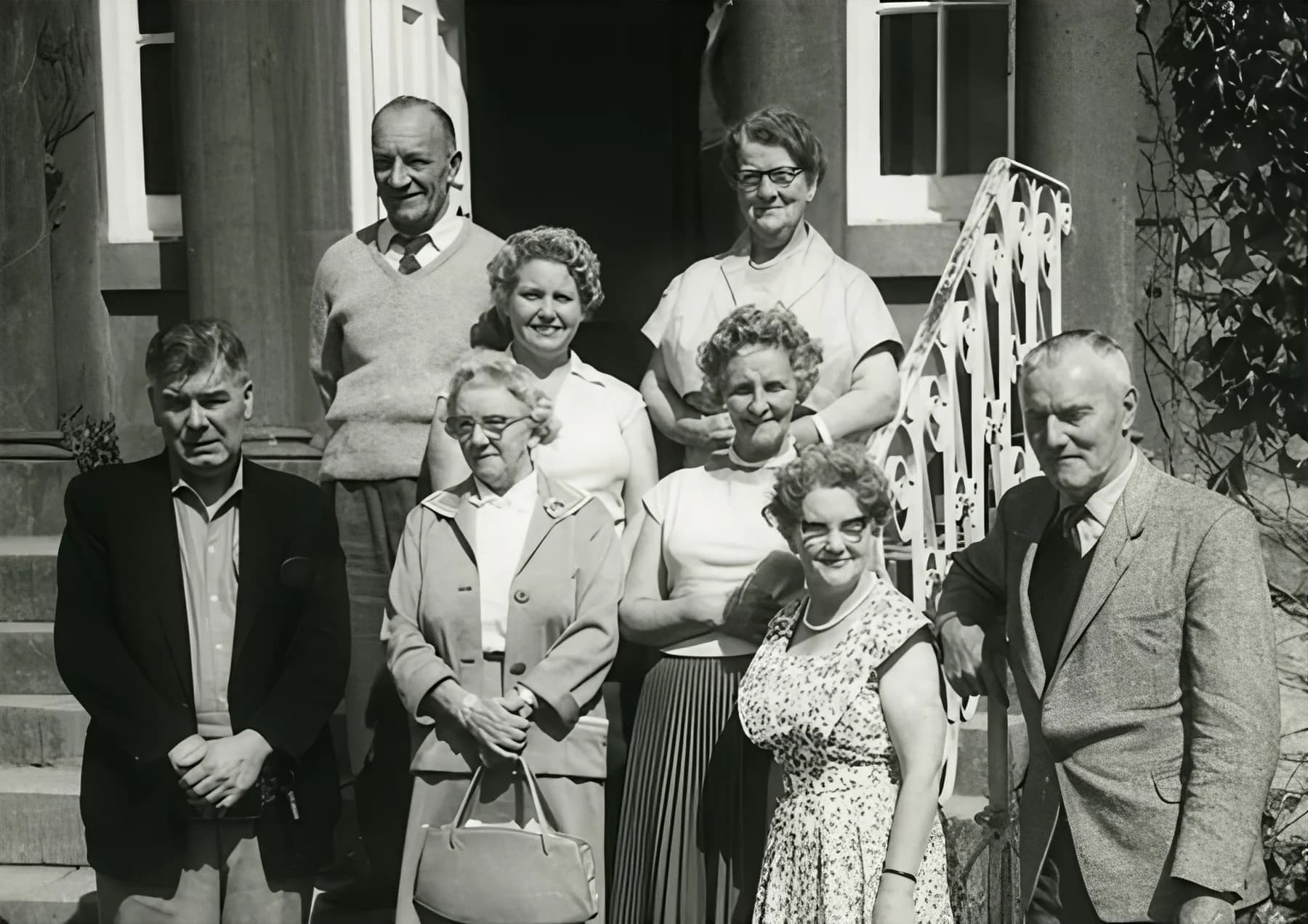
Topaz Image Upscale can increase usable resolution while improving perceived sharpness, edge definition, texture, compression artifacts, and noise.
What Topaz Image Upscale improves
Use it to prepare an image for a larger display while keeping its character intact.
More usable resolution
Increase dimensions without relying on simple pixel stretching alone.
Cleaner edges
Make fine shapes and boundaries easier to read.
Less visible noise
Reduce distracting noise and compression artifacts.
Clearer soft images
Improve clarity in images that are soft or mildly blurred.
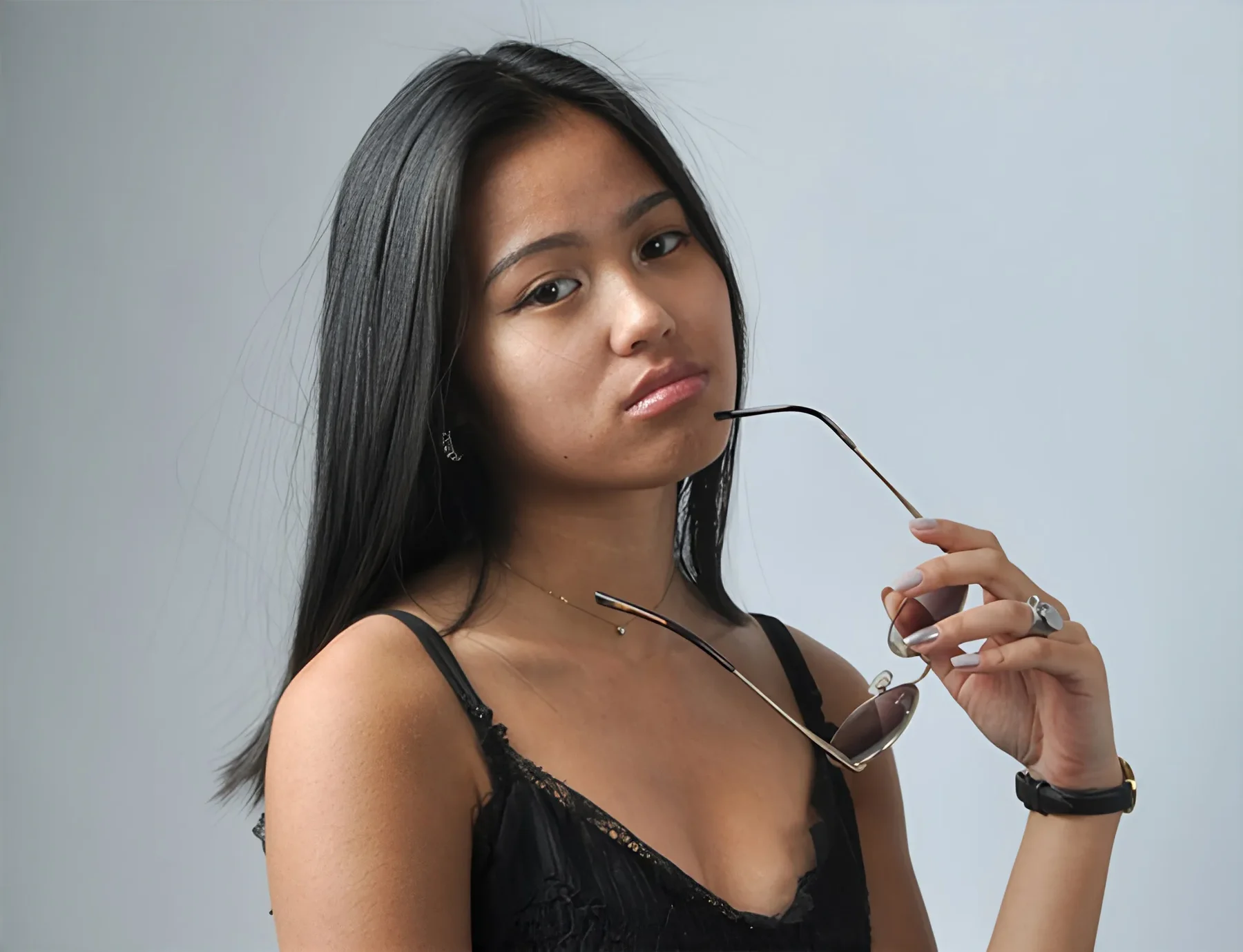
Results depend on the source image. Upscaling can improve presentation, but it cannot guarantee historically or factually accurate reconstruction of missing detail.
Choose an output resolution
Choose the output resolution that fits how you plan to use the enhanced image.
2K
For everyday digital use
A practical choice for websites, social media, and everyday digital use.
4K
For high-detail delivery
Choose 4K for product images, presentations, large screens, and high-detail delivery.
8K
For maximum output resolution
Reserve 8K for very large displays, print preparation, or workflows that truly require maximum output resolution.
How to upscale an image with Topaz
Start with the best version of your image, then choose the output size you actually need.
1
Upload an image
Upload a JPEG, PNG, or WebP image.
2
Choose an output resolution
Select 2K, 4K, or 8K based on the intended output.
3
Generate and download
Generate the enhanced image, compare the result, and download it.
Best uses for image upscaling
A larger, cleaner image can help when a source needs another life or another format.
Old or compressed photos
Prepare well-loved photos for sharing or larger viewing.
E-commerce product photography
Create clearer product imagery for listings and storefronts.
AI-generated artwork and illustrations
Make artwork more suitable for larger canvases and crops.
Social media and marketing assets
Adapt a source image for more placements without starting over.
Larger displays or print
Prepare images for presentations, displays, or print layouts.
Input requirements and practical tips
Upload JPEG, PNG, or WebP files up to 10 MB. The selected output must remain within the 20,000-pixel processing limit.
- Accepted formats: JPEG, PNG, and WebP.
- Maximum file size: 10 MB.
- The selected output must remain within the 20,000-pixel processing limit.
Tips for a better result
- Start with the cleanest available original image.
- Avoid repeated upscale cycles when one careful pass will do.
- Check faces and text at full size before you use the result.
- Try 2K before 4K or 8K when you do not need a higher output resolution.
Frequently asked questions
Can image upscaling improve a low-quality image?
It can improve perceived clarity and make an image more usable at a larger size, but the result depends on the source quality.
How is AI upscaling different from resizing?
Basic resizing stretches existing pixels. AI upscaling also analyzes the image to improve presentation as it increases dimensions.
Which output resolution should I choose?
Use 2K for web, social, and everyday digital use; 4K for product images, presentations, large screens, and high-detail delivery; and 8K for very large displays, print preparation, or workflows that truly require maximum output resolution.
Which formats and limits are supported?
Upload JPEG, PNG, or WebP files up to 10 MB. The selected output must remain within the 20,000-pixel processing limit.
Is it suitable for portraits, product photos, illustrations, and old photos?
Yes. These are common uses, though every result still depends on the image you upload.
Will the result invent missing detail?
Upscaling can improve presentation but cannot guarantee that reconstructed detail is historically or factually accurate.
Can I download the enhanced result?
Yes. After generation, you can compare the enhanced image and download it.