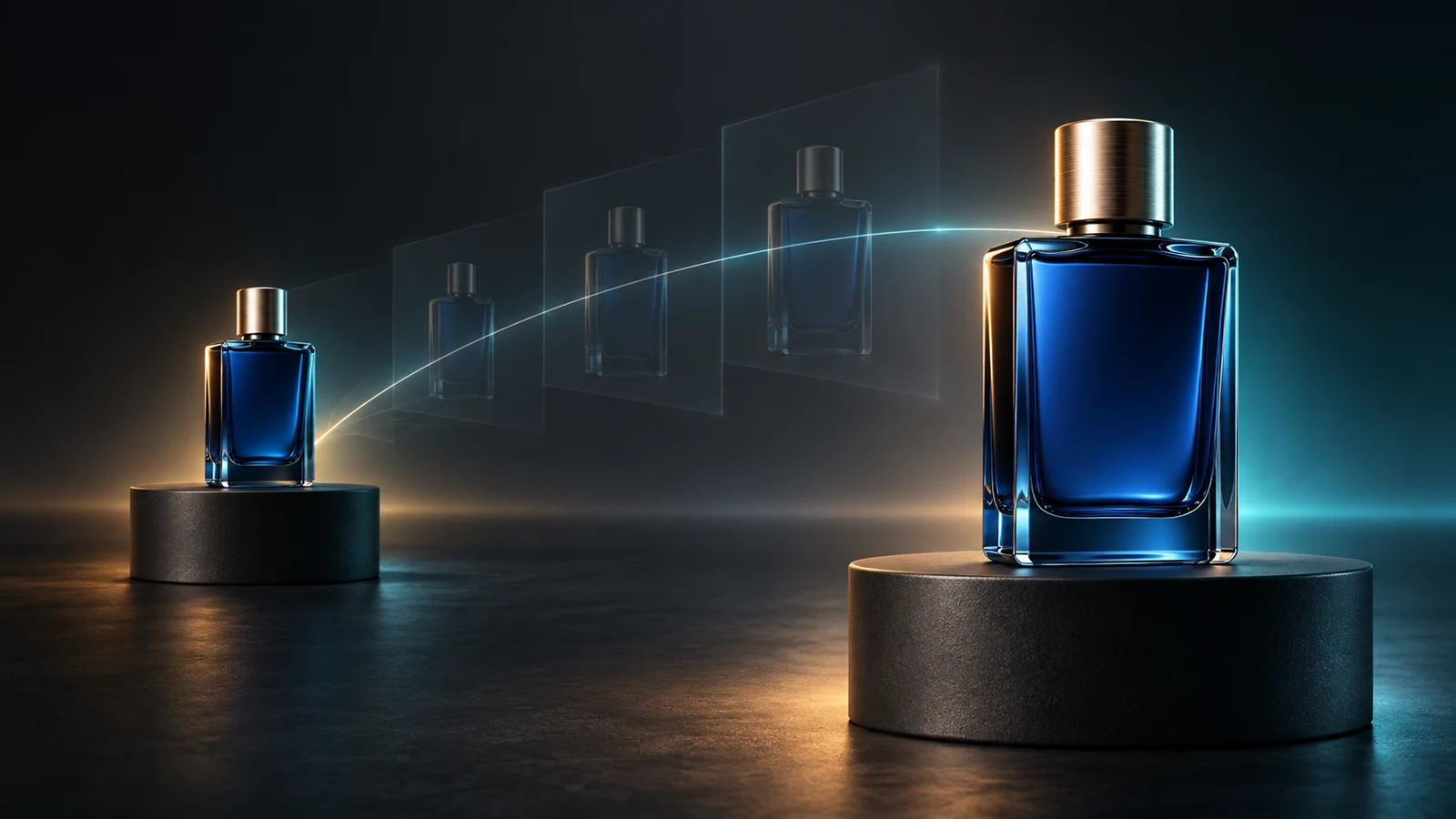
A product reveal looks simple when you see only its opening and closing stills. The hard part lives between them. A bottle must rotate without changing shape, a box must open without inventing hinges, the camera must arrive at the final composition, and lighting must evolve without making the product appear to be a different item. A Seedance 2.5 first last frame workflow gives the model two visual boundaries, but it still asks you to design a plausible path between those boundaries.
This guide shows how to prepare that path. It focuses on a narrow production decision: whether two approved product frames can become one useful reveal shot, and how to brief, sample, and evaluate that transition. It does not claim that the boundary images will be reproduced pixel for pixel. It also does not report a paid Veemo generation test. The examples below are original planning briefs, not measured output claims.
ByteDance officially released Seedance 2.5 on July 31, 2026. Its launch material describes longer storytelling, richer reference control, and more precise editing. Current BytePlus and KIE documentation list a dedicated first-and-last-frame mode. Veemo also exposes a two-image First & Last Frames workflow. These facts establish the available workflow; they do not guarantee that every pair of images can be connected cleanly.
What the two frames actually control
The first frame defines the visible state at the beginning: product position, camera angle, crop, background, light, shadows, open or closed parts, and nearby props. The last frame defines the destination state. The prompt describes the change over time. In a Seedance 2.5 first last frame project, those three inputs form one system:
- Opening boundary: what must be visible before motion begins.
- Motion bridge: what changes, in what order, and how the camera behaves.
- Closing boundary: what must be visible when motion resolves.
The images are stronger than a text-only description because they provide concrete visual anchors. They are not conventional animation keyframes with a guaranteed mathematical interpolation. The model generates intermediate content, so it may reinterpret reflections, lettering, small product geometry, hands, particles, or background objects. Plan for review and iteration.
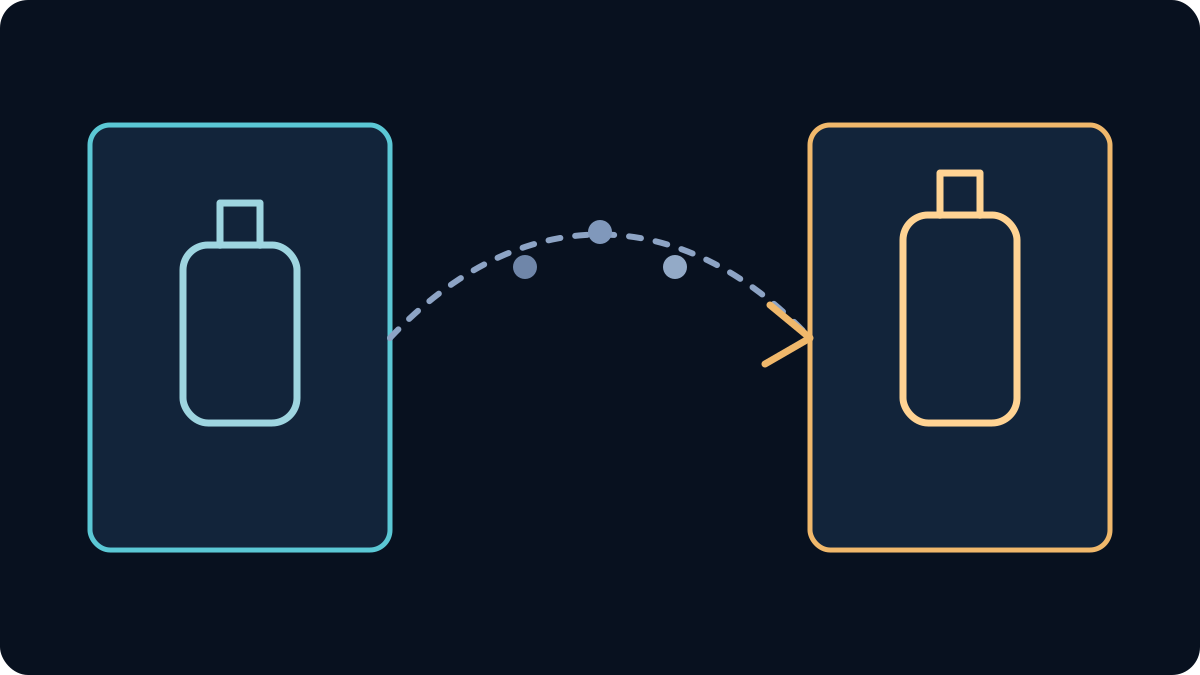
Use the Seedance 2.5 first last frame mode when the opening and ending compositions matter more than a large reference pack. KIE's current input guidance treats first-frame, first-and-last-frame, and multimodal-reference scenarios as mutually exclusive. Veemo's present frame workflow likewise requires exactly two images and rejects video or audio reference inputs in that operation. If you need several product angles, a motion reference, and an audio reference, choose the reference workflow instead of forcing those materials into a two-frame job.
Decide whether the transition is plausible
Before writing a Seedance 2.5 first last frame prompt, compare the images as if you were approving two shots for a practical effect. The larger the unexplained difference, the more work the model must invent. A Seedance 2.5 first last frame prompt can describe motion, but it cannot make a physically contradictory pair of stills easy.
Check these six areas:
- Product identity. The silhouette, cap, handle, label position, material, color, and distinctive edges should describe the same item. If the opening bottle is tall and square but the closing bottle is short and rounded, the intermediate frames need an unexplained redesign.
- Camera relationship. Estimate camera height, lens feel, viewing angle, distance, roll, and horizon. A gentle push-in is easier to explain than a simultaneous orbit, crane, zoom, and lens change.
- Composition and crop. Keep enough safe space around the product for the planned movement. A tightly cropped opening gives the model little room to pull back cleanly.
- Lighting. Compare highlight direction, shadow direction, softness, color temperature, and background exposure. A deliberate lighting sweep can work; an accidental reversal often reads as a product or set change.
- Physical state. Define what opens, unfolds, pours, rotates, or moves. Make sure the final state could follow from the initial state without hidden steps.
- Scene continuity. Keep the surface, background geometry, props, and scale coherent unless changing them is the point of the reveal.
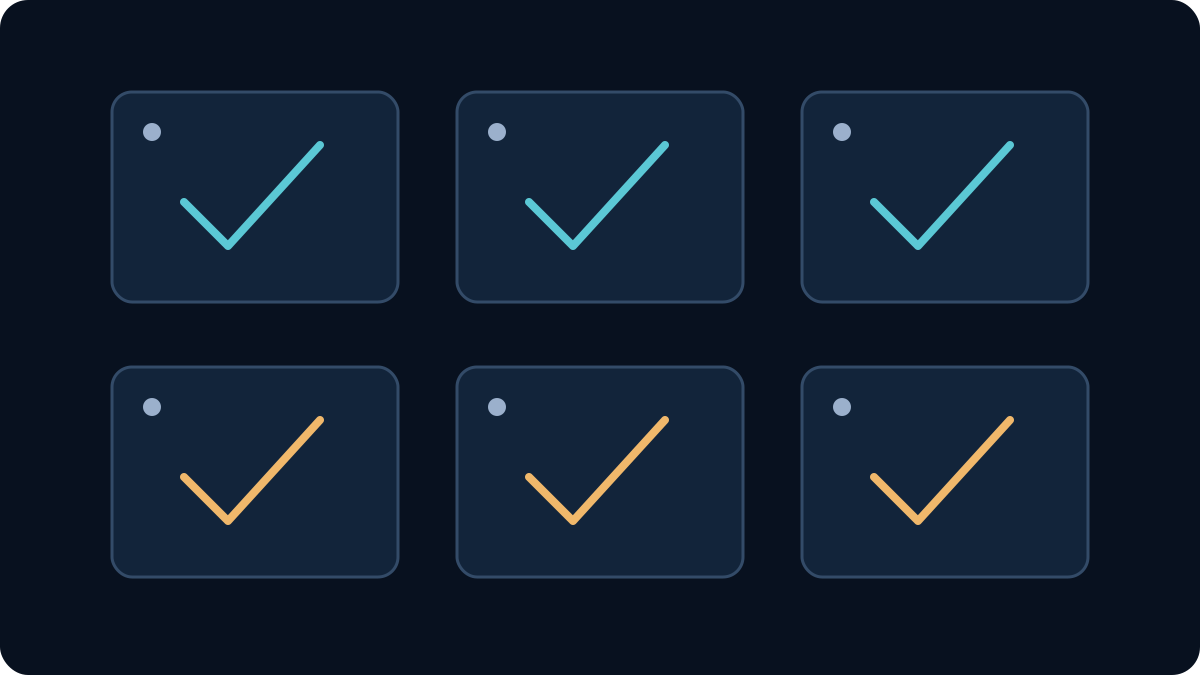
A useful preflight uses three labels: match, explain, and remove. Mark a difference as match when it should remain stable. Mark it explain when the prompt can describe the transition, such as a lid opening. Mark it remove when it is accidental, such as a prop appearing only in the last frame. Fix remove items in the stills before spending credits.
Prepare the opening and closing images
Start with two frames made for the same delivery format. Use the same aspect ratio and pixel dimensions. Veemo's current Seedance 2.5 first last frame controls offer common aspect ratios, 480p or 720p output, and durations from 4 to 30 seconds. The current form defaults to 16:9, 720p, and 8 seconds. These are interface and implementation facts observed for this article, not a guarantee about another platform's account or output.
Prepare the Seedance 2.5 first last frame pair in this order:
Lock product details
Choose one approved master product image or 3D render as the source for both frames. Keep logo placement, package seams, closure type, proportions, and surface finish stable. Remove tiny legal copy if it cannot be evaluated at the intended output size; add final typography in post-production when exact text is required.
Match the canvas
Place both stills on identical canvases. Keep horizon height, frame edges, and safe zones visible during preparation. If the final delivery needs room for ad copy, reserve that negative space in both boundaries instead of hoping it appears during motion.
Control the start and end action
Avoid an opening frame caught in ambiguous motion. Give the product a readable starting state. Make the last frame a stable hero state that can hold for a beat. A closed package at rest and an open package at rest provide clearer boundaries than two blurred mid-action poses.
Simplify reflections and particles
Reflective glass, chrome, liquid splashes, fabric, smoke, and confetti create many changing details. Use them deliberately. If product geometry is the priority, reduce uncontrolled effects in the first sample.
Export clean inputs
Use supported image formats, avoid embedded UI, and inspect compression around logos and edges. Keep originals and record which files were uploaded. A reproducible test needs stable inputs, prompt, settings, quoted credits, task ID, and acceptance result.
Write the motion bridge
The prompt should explain the route rather than redescribe every pixel already visible in the two images. A practical Seedance 2.5 first last frame brief can use this order:
Product identity and invariant details. Starting action. Ordered transition. Camera movement. Lighting evolution. Ending action and hold. Timing. Audio direction. Things that must not appear.
Use positive, concrete instructions. “The camera makes one slow 30-degree clockwise arc while the bottle remains centered” is easier to review than “cinematic dynamic movement.” Specify one primary product action and one primary camera action for the first sample. More simultaneous changes create more failure points.
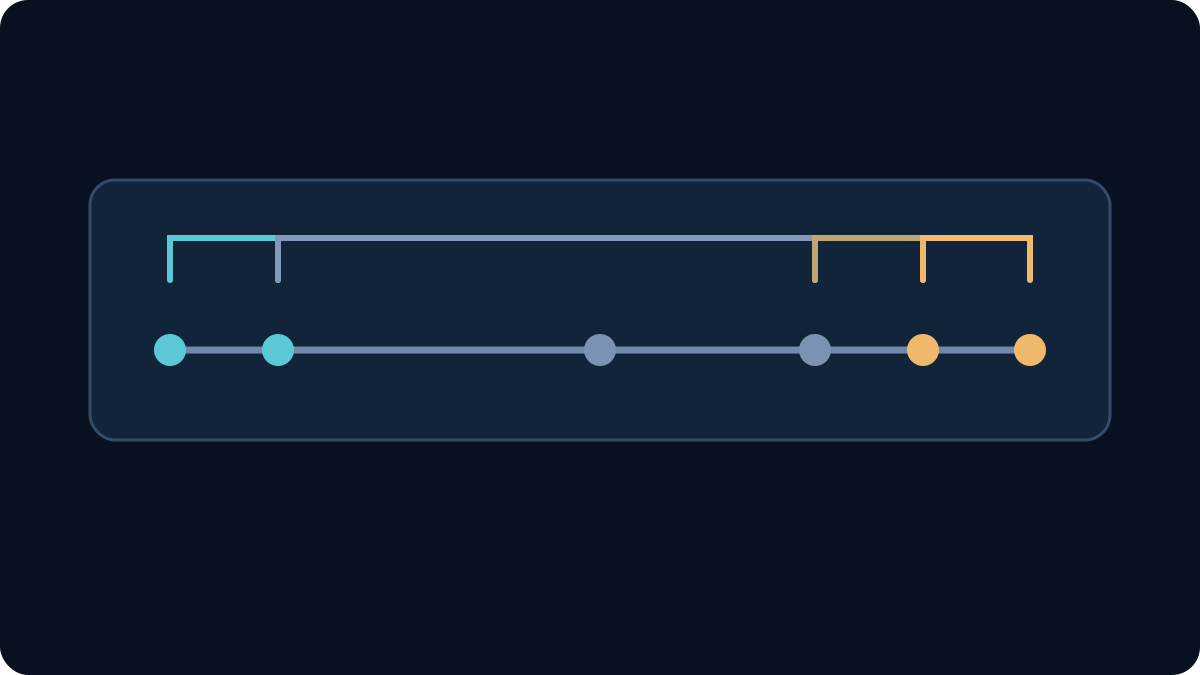
For an eight-second Seedance 2.5 first last frame sample, a simple timing plan is:
- 0–1 second: hold the opening composition long enough to read the product.
- 1–5 seconds: perform the main product and camera transition.
- 5–7 seconds: slow the motion and resolve reflections, props, and framing.
- 7–8 seconds: hold the approved closing composition.
Timing language guides the generation; it is not frame-accurate editing. Review the delivered clip rather than assuming every event lands at the written second.
Four original product-reveal briefs
These examples are starting points for a controlled sample. They were written for this guide and have not been tested as successful Veemo outputs.
1. Turntable hero rotation
Keep the cobalt glass bottle, cap shape, proportions, and blank front face consistent. Begin with the bottle in the opening position. From 1–5 seconds, the pedestal rotates the bottle smoothly clockwise while the camera makes one restrained arc in the opposite direction. Reflections travel continuously across the glass without changing its geometry. From 5–7 seconds, both motions slow and the bottle arrives at the closing angle. Hold the final hero composition for the last second. Controlled studio ambience, no text, no extra objects, no duplicated bottle.
This is a good first Seedance 2.5 first last frame test because the motion is continuous and the product stays rigid. Watch for cap deformation, bottle-width changes, and a second product appearing in reflections.
2. Package opening
Preserve the box dimensions, material, color, seams, and blank label area. The closed box rests on the same stone surface shown in the opening frame. A single unseen mechanism lifts the lid along the real rear hinge; do not invent side flaps or change the base. A soft camera push-in follows the opening action. Warm light gradually reveals the product inside. The lid settles in the exact open state shown by the closing frame, then the camera holds. No hands, no floating pieces, no new lettering.
Before using this brief, confirm that the final hinge position is physically compatible with the closed box. If the mechanism is unclear, add a visible hand or simplify the opening rather than asking the model to invent hidden engineering.
3. Material transformation
Keep the product silhouette, dimensions, cap, and camera position fixed. A narrow band of light moves from left to right across the surface. Behind the band, the matte prototype finish becomes polished blue glass while all edges and proportions remain stable. The transformation advances once with no reversal and no particles leaving the object. It resolves by 6 seconds and holds the finished product in the closing lighting for 2 seconds. Minimal tonal sound, no text, no extra products.
This transition is intentionally demanding. If geometry changes, shorten the shot, remove the camera move, or create the transformation in post. Do not accept a beautiful clip that depicts a different product.
4. Environmental pullback
Begin on the close product view in the first image. The product remains stationary and unchanged. The camera slowly pulls straight back, revealing the wider studio set shown in the last image. Keep the horizon level, preserve the pedestal scale, and reveal background elements in their final positions without popping or duplication. Lighting remains continuous. Ease to a stop by 7 seconds and hold the final wide composition. No people, no typography, no additional product units.
The two frames should share the same perspective center. If the final image was rendered with a very different lens or camera height, rebuild one frame before generating.
Choose duration, resolution, and audio deliberately
Longer is not automatically safer. More seconds give the model time to perform a complex action, but they also create more intermediate frames where product details can drift. Start with the shortest duration that communicates the reveal. For many single-action ads, an eight-second 720p sample is a practical evaluation setting because it matches the current Veemo default and is long enough to include a short final hold.
Use 480p only when a lower-cost or faster exploratory option is actually offered and the sample's purpose does not require reading fine detail. Use 720p when product edges and labels need a more meaningful review. Do not infer 1080p or 4K availability from another provider's marketing page; the current Veemo controls reviewed here list 480p and 720p.
Generated audio can add a useful material cue, such as a soft hinge, glass placement, or restrained studio tone. It can also create another rejection reason. For the first Seedance 2.5 first last frame visual test, turn audio off when the product motion is the only question. Test sound separately after the visual transition passes, or specify a simple sound and verify sync, noise, and brand suitability.
Run an acceptance test instead of judging the thumbnail
Define acceptance before a Seedance 2.5 first last frame generation. A usable result must pass more than “looks impressive.” Review the actual exported video frame by frame around the start, the most difficult motion, and the final settle.
Score these items:
- Opening boundary: Does the clip begin close enough to the approved first image for the intended edit?
- Closing boundary: Does it arrive at the intended final composition with enough clean hold time?
- Product identity: Do silhouette, dimensions, cap, seams, colors, and recognizable details remain stable?
- Motion plausibility: Does the action follow a continuous physical path without teleporting, melting, or duplicating parts?
- Camera continuity: Is the move smooth, motivated, and compatible with both frame perspectives?
- Light and reflections: Do highlights and shadows move consistently, without making the material flicker?
- Audio: If enabled, is it synchronized, clean, and appropriate for the brand?
- Delivery: Does duration, aspect ratio, resolution, format, and safe area fit the channel?
Record pass, revise, or reject for every criterion. Save the prompt and settings with the result. This turns subjective iteration into a production decision.
Fix the cause of failure
When a Seedance 2.5 first last frame sample fails, change one variable at a time.
- If the product morphs, align the two source renders, shorten the duration, remove a simultaneous camera move, and restate invariant geometry.
- If motion rushes at the end, move the main action earlier and reserve a longer final hold.
- If the camera wobbles, specify a single move with direction and angle, or lock the camera.
- If props pop into view, place them consistently in both frames or remove them from the first sample.
- If a label changes, reduce its prominence during motion and replace exact typography in post-production.
- If the physical action is impossible, redesign the closing frame or break the reveal into two shots.
Switch workflows when the job needs evidence the mode cannot accept. Use multimodal reference when motion, extra angles, or audio references matter more than strict two-image boundaries. Use video editing when you already have a good source clip and need a targeted modification. Use extension when you need to continue from an existing video ending.
Calculate cost per accepted clip
Do not treat displayed credits as dollars unless the current pricing page explicitly provides that conversion for your account and plan. Do not copy prices from another Seedance version. Instead, capture the quote visible at generation time.
For each sample, record:
| Field | Value to capture |
|---|---|
| Date and account plan | Current test context |
| Operation | First & Last Frames |
| Settings | Duration, resolution, aspect ratio, audio |
| Quoted credits | Value shown before submission |
| Charged credits | Actual account change |
| Result | Accepted, revise, rejected, failed |
| Failure handling | Refunded, retained, unknown |
Then calculate:
Effective credits per accepted clip = total credits charged across all attempts ÷ number of accepted clips
If you know the documented dollar value of those credits for the exact plan, record that separately. A five-credit sample that takes six attempts may cost more per usable clip than a ten-credit sample accepted on the first try. Production budgeting should follow accepted output, not headline price.
A practical launch sequence
Use this sequence for a new product reveal:
- Approve the product master and two boundary frames.
- Run the match/explain/remove compatibility review.
- Write one product action, one camera action, and a timed final hold.
- Start with an eight-second 720p visual sample when those controls suit the delivery.
- Review identity and boundary fit before polish.
- Change one variable per revision and record every charge.
- Add or refine audio only after the visual motion passes.
- Finish exact logos, legal copy, color, and edit timing in post-production.
The value of a Seedance 2.5 first last frame workflow is control over intent: you can show where the shot should begin and where it should finish. Reliable production still depends on compatible frames, a constrained motion bridge, and a clear acceptance gate.
Frequently asked questions
Does Seedance 2.5 reproduce the first and last images exactly?
Do not assume pixel-perfect reproduction. KIE recommends the dedicated first-and-last-frame mode when matching boundary images matters, but generated intermediate video and even boundary details can still require review. Treat the images as strong constraints and inspect the delivered frames.
How many images does the Veemo frame workflow use?
The current Veemo implementation reviewed for this article requires exactly two images: one first frame and one last frame. It rejects additional images and reference video or audio for this operation. Recheck the live form before production because product controls can change.
Can I combine first and last frames with motion-reference video?
Not in the current dedicated mode described by KIE and Veemo. The documented scenarios are mutually exclusive. Use the multimodal-reference workflow when a motion clip matters more, and describe which still should influence the opening or ending in the prompt without claiming an exact boundary guarantee.
What duration should I choose?
Use the shortest duration that can perform the action and settle into the closing composition. Veemo currently exposes 4–30 seconds and defaults to 8 seconds. A complex transformation may need more time; a simple turntable move may benefit from less.
Should I generate audio with the first sample?
Only if audio is part of the decision. Otherwise, isolate the visual question first. When audio is enabled, specify a simple cue and evaluate synchronization, noise, loudness, and brand fit separately.
Is a Seedance 2.5 first last frame clip ready for commercial use?
Technical generation does not establish commercial rights. Confirm the current terms for the service and plan you use, your rights to every uploaded image, permissions for people and brands, and the intended advertising channel. Keep approval and provenance records.
Where can I try the workflow?
Open the Veemo Seedance 2.5 generator and choose First & Last Frames. Verify the current fields, quote, and terms in your account before submitting. This guide did not run a paid job and does not certify provider entitlement, success rate, speed, or final cost.
ByteDance's official Seedance 2.5 launch showcase demonstrates the vendor's intended range of longer narrative, reference control, and editing. Use it as product context, not as evidence that the four original briefs in this guide were tested on Veemo.