 01
01The holiday spotlight
A rich, festive setting with room for your final offer.
MADE FOR YOUR NEXT BESTSELLER
Build a seasonal look for your Black Friday and Cyber Monday campaigns.
Editable prompt · You choose when to generate
Your next campaign
Black Friday creatives
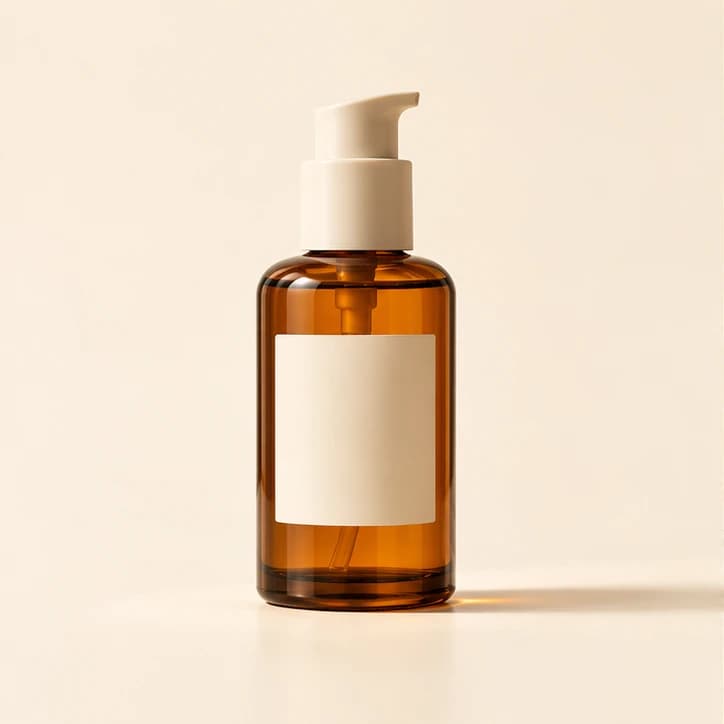
Your product photo
Upload a product photo → choose a look → make it yours
Open a starting prompt, upload your own product photo and adjust the details before generating.
01A rich, festive setting with room for your final offer.
02Give your sale campaign a cinematic product moment.
Upload a clear product photo in the editor. Choose a front-facing shot with good lighting and readable details.
Choose a starting prompt, then describe the background, lighting and mood. Pick a format to suit your placement.
Check product details and branding in the result. Refine as needed, then add final offer text and export for your campaign.
Shopify
Create hero visuals, lifestyle product images and collection launch ideas for your Shopify store or independent shop.
TikTok Shop
Try vertical product reveals and short creative concepts for TikTok Shop, Reels and social campaigns.
Amazon
Explore detail shots and product video concepts for Amazon. Check each placement's current asset requirements before publishing.
Yes. Open a template and upload your product photo in the editor. Use a clear image and describe which product details should stay unchanged. Review logos, labels and proportions in the result.
No. Opening a template only prepares an editable prompt. You can upload a photo, change the settings and see the credit cost before you choose Generate.
Yes. Adjust the seasonal prompt for Cyber Monday or another sale. Add and verify the final offer, discount, dates and brand copy before publishing; generated text may need correction.
Create and download your assets in Veemo, then publish them through your own store or social tools. These templates do not connect to your Shopify, TikTok Shop or Amazon account.