 01
01The cinematic reveal
A smooth push-in, warm light and a product that takes center stage.
MADE FOR YOUR NEXT BESTSELLER
Bring your product to life with camera movement and cinematic scenes.
Editable prompt · You choose when to generate
Your next campaign
Product videos
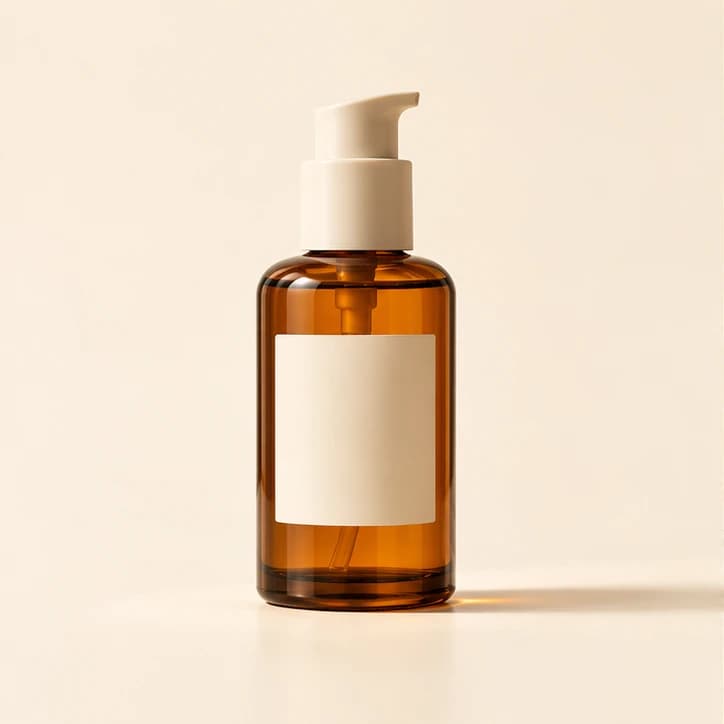
Your product photo
Upload a product photo → choose a look → make it yours
Open a starting prompt, upload your own product photo and adjust the details before generating.
01A smooth push-in, warm light and a product that takes center stage.
02A close-up product moment for a vertical social story.
AI-generated concept imagery. Results vary by product, prompt and model.
Upload a clear product photo in the editor. Choose a front-facing shot with good lighting and readable details.
Choose a starting prompt, then describe the background, lighting and mood. Pick a format to suit your placement.
Check product details and branding in the result. Refine as needed, then add final offer text and export for your campaign.
Shopify
Create hero visuals, lifestyle product images and collection launch ideas for your Shopify store or independent shop.
TikTok Shop
Try vertical product reveals and short creative concepts for TikTok Shop, Reels and social campaigns.
Amazon
Explore detail shots and product video concepts for Amazon. Check each placement's current asset requirements before publishing.
Yes. Open a template and upload your product photo in the editor. Use a clear image and describe which product details should stay unchanged. Review logos, labels and proportions in the result.
No. Opening a template only prepares an editable prompt. You can upload a photo, change the settings and see the credit cost before you choose Generate.
The video editor generates clips from your product photo and prompt. For a finished ad, review product accuracy and add any final captions, price, logo, music and call to action in your preferred editing workflow.
Create and download your assets in Veemo, then publish them through your own store or social tools. These templates do not connect to your Shopify, TikTok Shop or Amazon account.