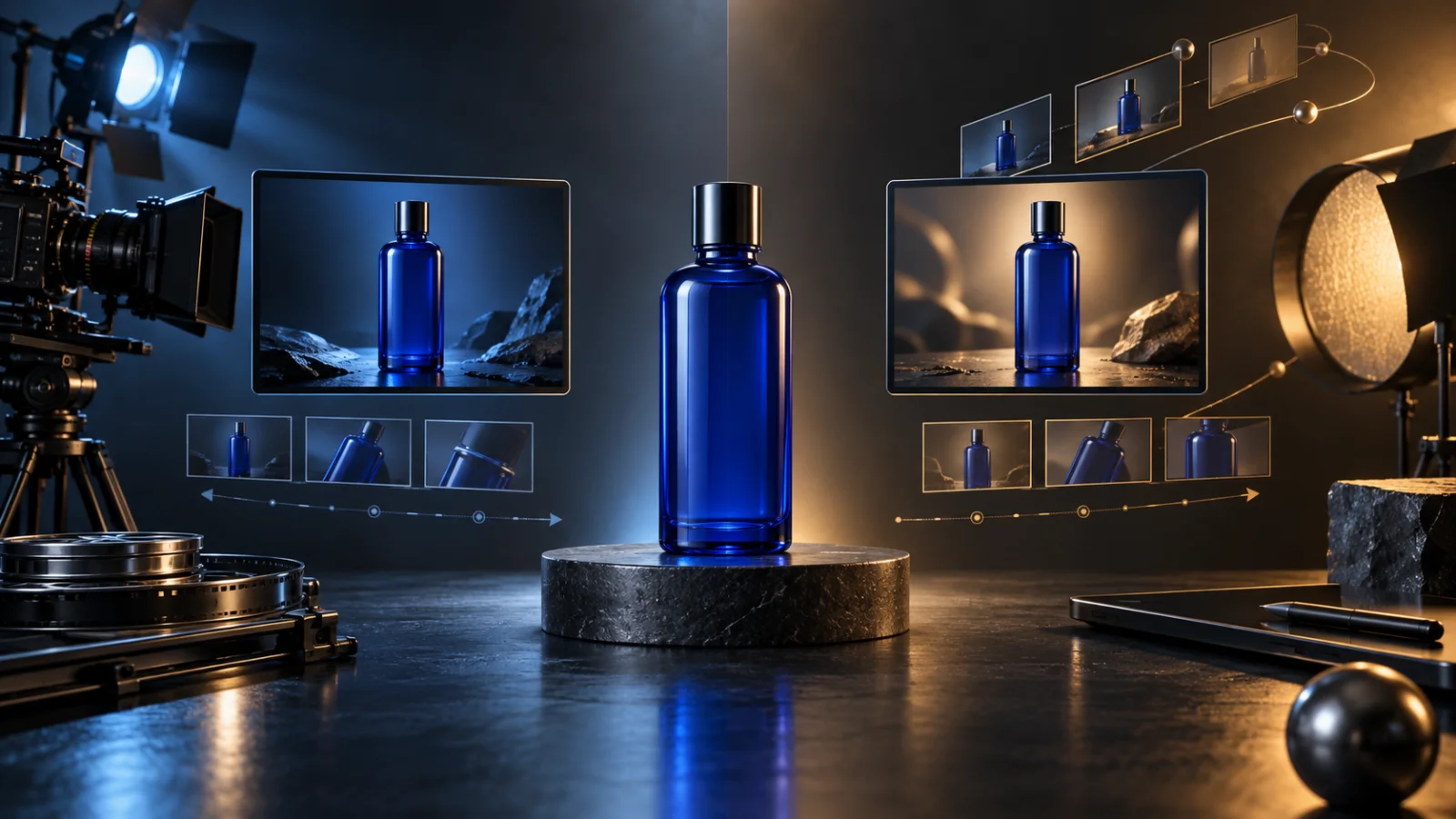
A Seedance 2.5 vs Kling 3.0 decision becomes useful only when it is attached to a specific product-ad shot. “Which model wins?” is too broad. A six-second bottle rotation, a presenter demonstration, a 20-second story, and an edit to existing footage ask for different inputs and controls. The practical question is which workflow exposes the controls your shot needs, then whether a small test passes your acceptance criteria.
This guide compares the current workflows visible on Veemo and shows how to run that decision. It does not report a paid head-to-head generation, a quality ranking, a speed benchmark, or a cost winner. Vendor feature statements are labelled as such. The test briefs, scorecards, and worksheets are original planning tools; they are not generated-output evidence.
Start with what is verified
ByteDance officially launched Seedance 2.5 on July 31, 2026. Its launch material describes audio-video generation, up to 30 seconds in one generation, multimodal references, editing, and extension. Kuaishou announced the Kling AI 3.0 series on February 5, 2026, including Video 3.0 and Video 3.0 Omni. Its official release describes native audio, reference inputs, storyboard control, and video generation up to 15 seconds. Kuaishou later announced native 4K output for the Kling 3.0 series.
Those vendor descriptions do not mean every host exposes every feature. A Seedance 2.5 vs Kling 3.0 comparison on Veemo should use the controls that a Veemo user can actually select. At the time of this review, the public Seedance 2.5 page and Kling 3.0 page both returned HTTP 200, and their registered generation routes were present in the application.
The current Veemo Seedance 2.5 workspace provides four operations: Create, Edit, Extend, and First & Last Frames. Create accepts text plus image, video, and audio references, with a duration from 4 to 30 seconds, 480p or 720p output, common aspect ratios, and an audio switch. The dedicated frame operation uses exactly two boundary images. Edit and Extend require a source video.
The current Veemo Kling 3.0 workspace provides text-to-video and image-to-video. The visible form offers a duration from 3 to 15 seconds, Standard or Pro mode, common aspect ratios for text-to-video, and a sound switch. Image-to-video uses one source image. Veemo does not currently expose Kling's entire vendor product family or every control described in Kuaishou material on this route.
| Decision area | Seedance 2.5 on Veemo | Kling 3.0 on Veemo | What to verify before spending |
|---|---|---|---|
| Start from text | Create workflow | Text-to-video | Shared duration and aspect ratio for a fair sample |
| Start from one image | Create workflow | Image-to-video | Same product master and crop |
| Multiple references | Images, videos, and audio in Create | Not exposed in the current Kling form | Whether the extra references are essential |
| Edit existing video | Dedicated Edit operation | Not exposed in the current Kling form | Source format and exact requested change |
| Extend existing video | Dedicated Extend operation | Not exposed in the current Kling form | Join criteria and source ending state |
| First and last frames | Dedicated two-image operation | Not exposed in the current Kling form | Whether both boundary compositions are mandatory |
| Visible duration range | 4–30 seconds | 3–15 seconds | Compare inside the overlap, such as 8 seconds |
| Visible audio control | Generate Audio | Sound | Dialogue, effects, music, or silent edit plan |
Do not copy prices from code or an old article into a purchasing decision. The Kling form's current internal credit table is explicitly marked as placeholder data. For both models, use the quote shown in the live account immediately before submission, record the actual balance change, and keep failed or refunded attempts separate.
Choose by product-ad shot
Break the ad into shots before making a Seedance 2.5 vs Kling 3.0 choice. A model can be suitable for one shot and unsuitable for the next because the input contract changes. Use the following six categories as a starting point. Write the required input beside every shot so the Seedance 2.5 vs Kling 3.0 comparison begins from the production need.
Packshot motion from a single still
For a short rotation, push-in, material shimmer, or lighting pass, both current Veemo workspaces can start from one approved product image. This is the cleanest overlap for a controlled comparison. Keep the source file, prompt, duration, aspect ratio, audio decision, and acceptance checklist identical. Choose an eight-second test if that duration fits the edit because it sits inside both visible ranges.
The first sample should contain one product action and one camera action. Complex staging makes it difficult to diagnose which instruction caused a failure. Exact label typography is still safer in post-production, even when the source still contains a readable label.
Text-only concept shot
Both workspaces can generate from a prompt without a product image. This may be useful for mood shots, abstract ingredients, or an establishing environment. It is a weak test of product preservation because no approved product master anchors the result. Do not use a visually attractive text-only clip as proof that the model will preserve a client's package geometry.
Controlled first-to-last reveal
When the opening and closing compositions are both mandatory, the current Veemo Seedance 2.5 workspace has a dedicated two-frame operation. The current Kling 3.0 workspace does not show an equivalent control. This is a workflow distinction, not proof of higher output quality. If only one boundary frame is actually needed, return to the shared one-image test instead of creating an unfair Seedance 2.5 vs Kling 3.0 comparison.
Existing-footage edit
Changing a background, removing an object, or adjusting a timed event begins with a source video. Veemo currently exposes this as a Seedance 2.5 Edit operation. The current Kling 3.0 page exposes generation from text or one image, so it is not a like-for-like candidate for that operation. Compare an editing workflow with another real editing workflow, rather than asking a generator to recreate the entire shot and calling the result an edit.
Continuation after a product demonstration
Veemo currently offers Seedance 2.5 Extend with one source video and a continuation prompt. The acceptance problem is the join: product state, camera velocity, lighting, hands, sound, and background must continue plausibly. The current Kling 3.0 form on Veemo does not expose video extension. That means the decision is whether to use the available extension operation, redesign the edit, or compare on another host whose exact version and terms you can verify.
Presenter dialogue or multi-shot story
Both vendors describe audio and narrative capabilities, but a product-ad team still needs a controlled sample. Presenter likeness, lip movement, spoken wording, product contact, hand geometry, and shot transitions all introduce separate failure modes. Keep claims limited to the test you actually run. A vendor showcase can demonstrate intended capability; it does not predict acceptance on your assets.
Build a fair comparison
A useful Seedance 2.5 vs Kling 3.0 test controls the inputs before it judges the outputs. Create a test folder with the approved product master, prompt, delivery brief, acceptance scorecard, quotes, task IDs, and downloaded results. Hash or version the input file so a later replacement does not silently invalidate the comparison.
Use this sequence:
- Define one delivery. State channel, aspect ratio, final edit length, safe area, and whether the shot needs dialogue, effects, or silence.
- Pick the shared operation. For a head-to-head test on the current Veemo forms, use text-to-video or one-image-to-video. Do not compare a two-frame job with a one-frame job.
- Use the same source. Upload the same approved image with the same crop and compression. Avoid a source that already contains motion blur or inconsistent small text.
- Choose an overlapping duration. Eight seconds is available in both current forms. A 20-second Seedance job cannot be compared directly with a Kling form whose visible maximum is 15 seconds.
- Normalize the prompt. Keep subject, product invariants, action order, camera, lighting, timing, audio, and exclusions the same. Change syntax only when a platform requires it, and record the change.
- Capture the quote. Save the credits shown immediately before each submission. Do not infer price from a different model, resolution, mode, or date.
- Submit a small sample. One job per model is a workflow check, not a statistical verdict. If budget permits later, predefine the number of attempts before seeing results.
- Review blind where possible. Hide the model name during the first acceptance pass. Reveal it only after reviewers record pass, revise, or reject.
A neutral one-image test brief
The following brief is original and untested. It is designed to reveal product-preservation issues rather than to favor either model:
Preserve the cobalt glass bottle's silhouette, cap dimensions, blank front panel, color, and base throughout the shot. The bottle remains centered on the dark stone plinth. From 1–5 seconds, the turntable rotates 25 degrees clockwise while the camera makes one slow five-degree push-in. One soft highlight travels continuously across the glass. From 5–7 seconds, all motion eases to a stop. Hold the final composition for the last second. Controlled studio room tone only. No text, no additional bottles, no hands, no particles, no shape changes.
Use an approved opening still that matches the prompt. If one form requires a mode selection that the other lacks, record that as a test difference. Do not hide it in the results table.
Score acceptance, not spectacle
The first question in a Seedance 2.5 vs Kling 3.0 review is whether the clip can enter the edit. A beautiful failure is still a failure if the product changes. Set hard gates before subjective preferences. Apply the same gate order to each Seedance 2.5 vs Kling 3.0 output before revealing its source.
- Product identity: silhouette, cap, seams, handle, proportions, color, and distinctive features remain stable.
- Logo and text: required marks remain usable, or the shot leaves a clean surface for post-production replacement.
- Contact and hands: fingers, tools, liquid, packaging, and surfaces meet without merging or teleporting.
- Action path: movement follows one continuous, physically understandable route.
- Camera: the move matches the brief without unexplained wobble, cuts, or lens changes.
- Light and reflections: highlights move consistently and do not create false edges or material changes.
- Audio: requested speech or effects are intelligible, synchronized, and appropriate; unwanted music or voices cause a revision.
- Delivery: duration, ratio, resolution, safe area, first readable frame, and final hold fit the edit.
Score every hard gate pass or fail. Then score softer preferences such as mood, texture, pacing, and novelty. This prevents a dramatic camera move from outweighing a deformed package. Keep reviewer notes attached to the exact file and task ID.
If both clips fail the same gate, repair the source or brief before adding more attempts. If the product morphs, simplify the action, reduce camera movement, enlarge the product in the source, or remove tiny lettering. If the ending rushes, move the action earlier and reserve a hold. If audio distracts from the visual diagnosis, run the next test silent and evaluate audio separately.
Calculate cost per accepted clip
Sticker price does not answer the Seedance 2.5 vs Kling 3.0 budget question. The production metric is cost per accepted clip. A low quote can become expensive when the acceptance rate is low, while a higher quote can be economical when fewer retries are needed. That relationship must be measured on your own brief.
Record this information for every Seedance 2.5 vs Kling 3.0 attempt:
| Field | Record |
|---|---|
| Date, account, and plan | Exact test context |
| Model and operation | Exact label shown in the job |
| Source asset version | Filename and hash or revision |
| Prompt version | Saved text, not a memory of it |
| Settings | Duration, ratio, mode, resolution, audio |
| Quoted credits | Value shown before submission |
| Actual charge | Balance change after the job |
| Failure handling | Refunded, retained, or unknown |
| Review result | Accepted, revise, rejected, technical failure |
| Rejection reason | First hard gate that failed |
Effective credits per accepted clip = total credits actually charged for all attempts ÷ accepted clips
Also track human time for briefing, waiting, reviewing, editing, sound work, and typography replacement. Do not turn credits into dollars unless you can document the plan's current credit purchase price and currency. Keep tax, subscription fees, and promotional credits visible instead of blending them into a false universal rate.
Use a conditional decision tree
A responsible Seedance 2.5 vs Kling 3.0 recommendation is conditional:
- If the job requires editing an existing clip, extension, multiple mixed references, or two mandatory boundary frames on Veemo, begin by evaluating the matching Seedance 2.5 operation because those controls are visible there now.
- If the job is a text-only or one-image clip from 3 to 15 seconds, both current Veemo workspaces can enter a controlled test. Choose from measured acceptance and actual charged credits.
- If native 4K is mandatory, do not assume Kuaishou's vendor-level announcement describes the current Veemo Kling form. Verify the selectable output and delivered file on the host you will use.
- If a 16–30 second single generation is mandatory, the current Seedance duration range fits the request while the current Kling form does not. First ask whether one long generation is actually preferable to an edited sequence.
- If exact packaging text is mandatory, plan a post-production typography pass regardless of model and treat unstable lettering as a hard gate when it cannot be replaced.
- If no paid test budget exists, compare documented workflow fit only. Do not invent a quality winner.
You can inspect the current controls on Veemo's Seedance 2.5 workspace and Veemo's Kling 3.0 workspace. Confirm the quote, provider label, available settings, and terms in your account before submitting client material.
What the official showcase can and cannot prove
The embedded Dreamina video is an official Seedance 2.5 launch showcase. It helps a reviewer understand the kind of longer-form, reference-aware work ByteDance presents for the model. It is vendor-selected material, not a Veemo test and not a Seedance 2.5 vs Kling 3.0 head-to-head result. It cannot establish acceptance rate, cost, queue time, or performance on your product.
The article remains complete without the video because the workflow table and test plan are based on current documentation and Veemo controls. If the video becomes private, outdated, or non-embeddable, replace it with a current source before publication rather than leaving a broken frame.
Frequently asked questions
Which model is better for product ads?
There is no supported universal winner in this guide. A responsible Seedance 2.5 vs Kling 3.0 answer starts with the operation that matches the shot, then uses an input-matched sample to score product identity, action, camera, light, audio, and delivery. A model can pass one shot and fail another.
Can I compare a 30-second Seedance clip with a 15-second Kling clip?
That comparison mixes duration and likely narrative complexity. For a fair Seedance 2.5 vs Kling 3.0 sample, use a duration available in both current Veemo forms, such as eight seconds. Evaluate longer delivery options separately.
Does Kling 3.0 provide 4K on Veemo?
Kuaishou has announced native 4K for the Kling 3.0 series, but the current Veemo form reviewed for this guide does not expose a 4K selector. Verify the host's current controls and delivered file instead of transferring a vendor-level claim to a specific integration.
Which one costs less?
This guide does not claim a cost winner. Capture the live quote and actual balance change for the exact model, mode, duration, resolution, and audio choice. Then divide total charged credits across all attempts by accepted clips. Do not use placeholder source values as pricing.
Should I test with audio enabled?
Enable audio only when it is part of the acceptance brief. For a first product-geometry test, silence can reduce variables. Test dialogue, effects, and music against their own criteria after the visual path is stable.
Can I use generated product ads commercially?
Do not assume a model name supplies every right needed for a campaign. Check the terms for the actual service, account, region, and plan; secure rights for uploaded products, people, voices, music, and references; and review client, platform, and regulated-market requirements. Seek qualified legal advice for high-risk uses.
What should I save from each test?
Save the source asset version, exact prompt, settings, quote, task ID, output, actual charge, refund status, reviewer result, and rejection reason. That record makes later comparisons reproducible and supports a real cost-per-accepted-clip calculation.