AI 이미지 편집기 - Veemo AI
통합 AI 모델
AI 비디오 생성기
뛰어난 시간적 일관성과 영화 같은 품질을 갖춘 OpenAI의 고급 모델


AI 이미지 생성기
OpenAI's latest GPT Image 2 model with strong prompt adherence, polished visual text rendering, and premium image quality.


AI 비디오 생성기
뛰어난 시간적 일관성과 영화 같은 품질을 갖춘 OpenAI의 고급 모델
AI로 이미지 변환 및 편집
Midjourney, GPT-4o Image, Seedream 3, Nano Banana Pro를 포함한 20개 이상의 AI 모델로 스타일 적용, 품질 향상, 배경 변경이 가능합니다.
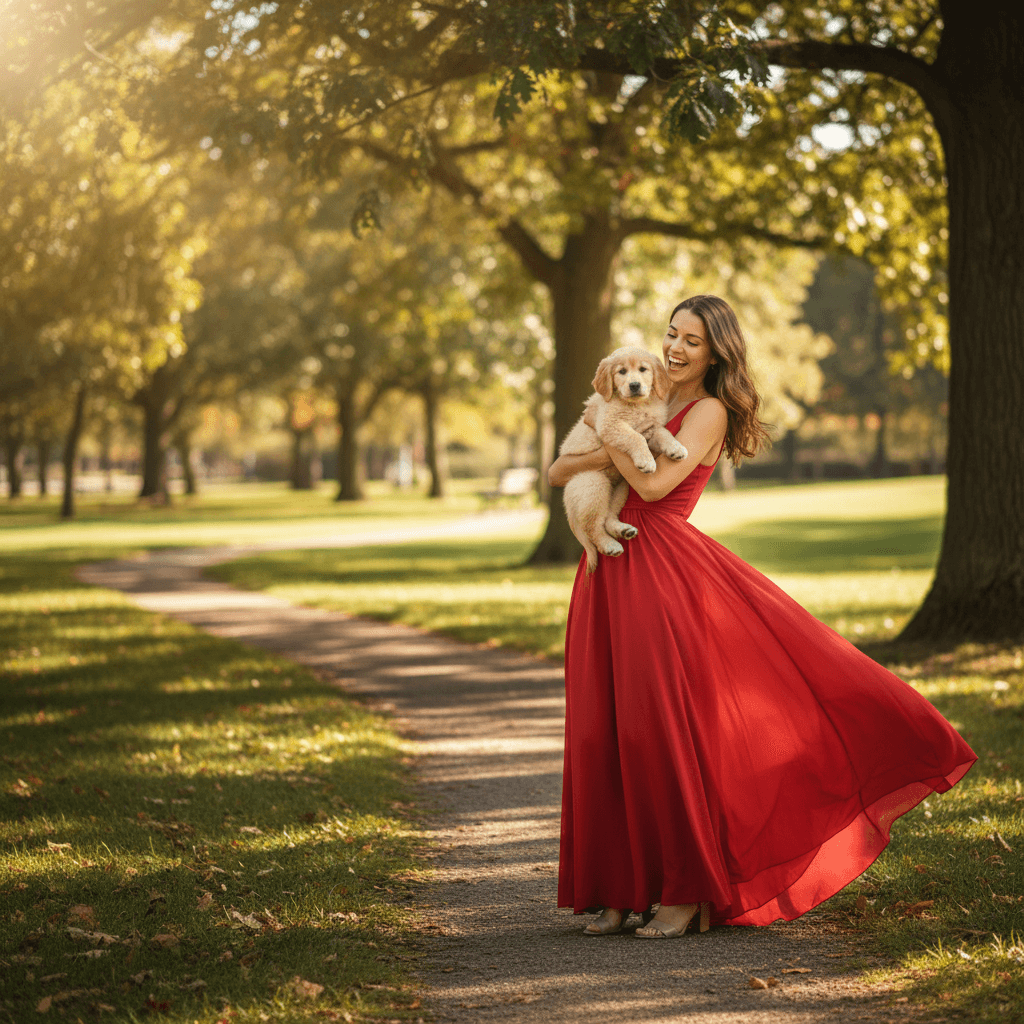
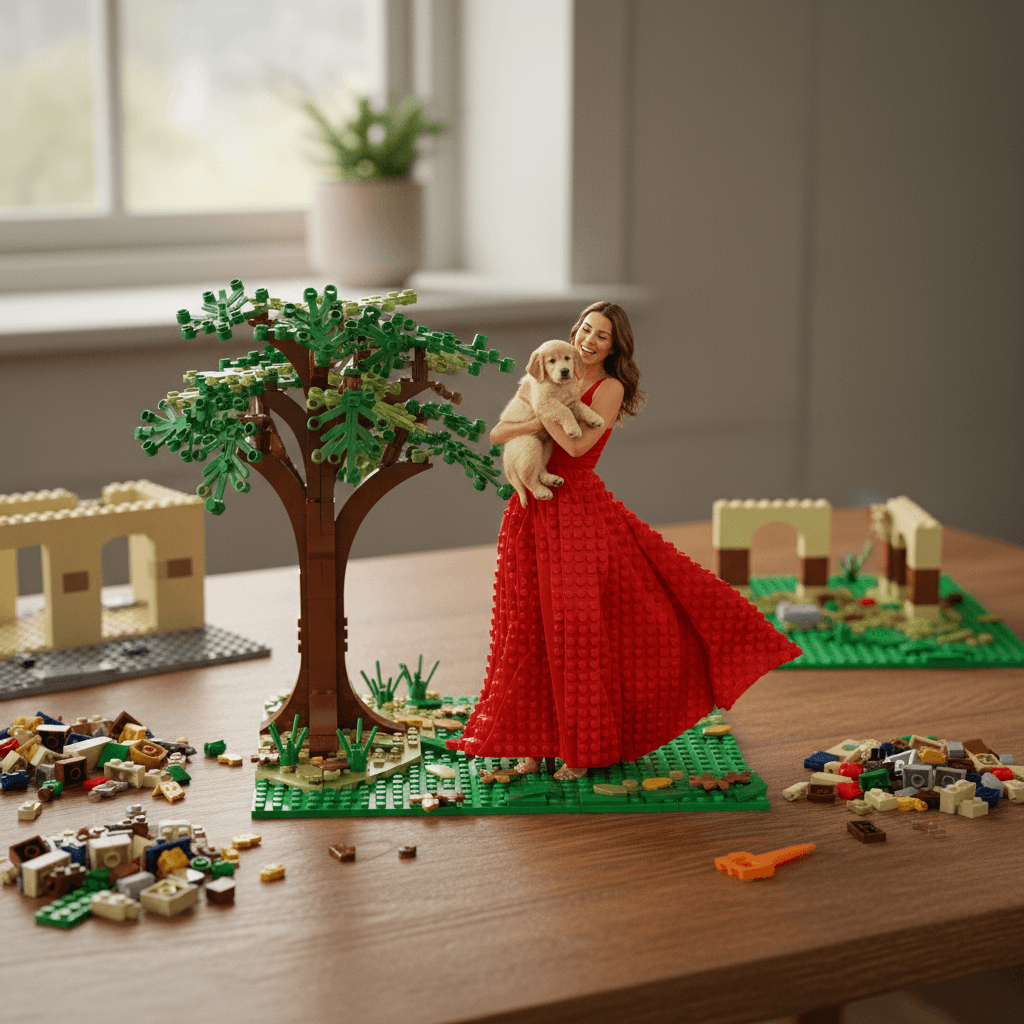
4 간단한 단계로 AI 이미지 편집
AI 기반 편집으로 이미지를 변환, 향상 및 스타일링하세요. 디자인 기술이 필요하지 않습니다.
이미지 업로드
편집할 이미지를 업로드하세요. JPG, PNG, WebP 형식을 지원합니다.
편집 내용 설명
AI에게 원하는 변경 사항을 설명하세요. 예: "유화 스타일 적용", "품질 향상", "배경을 노을로 변경".
모델 및 설정 선택
Midjourney, GPT-4o Image 등 20개 이상의 AI 모델 중 선택하세요. 화면 비율 및 기타 파라미터를 조정하세요.
생성 및 다운로드
생성을 클릭하고 15~45초를 기다리세요. 편집된 이미지가 완전한 상업적 권리와 함께 다운로드 준비됩니다.

VEEMO AI 이미지 편집기를 선택해야 하는 이유
- Midjourney, GPT-4o Image, Seedream 3, Nano Banana Pro를 포함한 20개 이상의 AI 모델로 이미지를 편집하세요.
- 간단한 텍스트 지시로 AI 인페인팅, 아웃페인팅, 스타일 전환, 배경 제거를 수행하세요.
- AI 기반 향상 기능으로 이미지 품질, 조명, 색 보정을 전문가 수준으로 개선하세요.
- 표준 AI 이미지 편집이 15~45초 내에 완료되어 빠른 크리에이티브 반복이 가능합니다.
- 전문적인 결과가 필요한 디자이너, 사진작가, 마케터를 위한 올인원 AI 이미지 편집기.
- 마케팅, 디자인, 비즈니스 활용을 위한 모든 편집 이미지에 완전한 상업적 권리 제공.
더 많은 AI 이미지 도구 살펴보기
변경하려는 영역을 브러시로 선택한 뒤, 대체할 내용을 일반 텍스트로 설명하세요. AI가 마스크된 영역만 재생성하면서 주변 픽셀과 자연스럽게 경계를 맞춥니다. 원하지 않는 개체 제거, 의상 교체, 잡티 수정, 또는 기존 사진에 새 요소를 삽입할 때 활용하세요.
네. 아웃페인팅 기능을 사용하면 이미지 가장자리 주변에 새로운 콘텐츠가 생성되어 캔버스를 원하는 방향으로 확장할 수 있습니다. 확장 영역에 나타날 내용을 설명하면, AI가 원본의 조명, 원근감, 색상 팔레트를 맞춰 채워 줍니다. 세로 크롭을 가로 배너로 변환하거나 꽉 찬 구도에 여백을 추가할 때 유용합니다.
스타일 전환은 업로드한 사진의 구조, 구도, 피사체를 유지하면서 새로운 시각적 처리를 적용합니다. 원래 레이아웃은 그대로 유지되지만 색상, 질감, 렌더링 스타일이 변경됩니다. 처음부터 생성하면 완전히 새로운 구도가 만들어집니다. 특정 장면은 유지하되 미적 감각을 재해석하고 싶을 때 스타일 전환을 사용하세요.
AI 향상 파이프라인은 선명도 개선, 디테일 복원, 유효 해상도 향상을 수행할 수 있습니다. 결과는 원본 품질에 따라 다르지만, 512px 이상의 이미지는 일반적으로 원본 크기의 2~4배로 확대해도 깔끔하게 보입니다. 최상의 결과를 위해서는 업스케일링과 품질 향상 옵션을 함께 사용하여 조명과 색 보정을 동시에 개선하는 것을 권장합니다.
편집기는 최대 20MB의 JPG, PNG, WebP 파일을 지원합니다. 투명한 PNG는 스타일 전환 및 향상 작업 중에도 알파 채널이 유지됩니다. 최대 품질을 보존하기 위해 출력은 기본적으로 PNG 형식으로 제공되며, 파일 크기를 줄이려면 JPG도 선택할 수 있습니다.
큰 영향을 미칩니다. Midjourney는 편집 시 가장 강한 예술적 스타일화를 적용합니다. GPT-4o Image는 텍스트와 세밀한 디테일을 가장 충실하게 보존합니다. Seedream 3는 피부 보정과 인물 향상에서 가장 자연스러운 결과를 제공합니다. Nano Banana Pro는 편집 처리 속도가 가장 빠릅니다. 동일한 편집에 2~3개의 모델을 실험하여 특정 작업에 가장 잘 맞는 모델을 찾아보세요.
아이디어를 현실로 만들 준비가 되셨나요?
하나의 통합 플랫폼에서 멋진 비디오와 이미지를 만들 수 있도록 지금 함께하세요.
계정 관리 번거로움 없이, 복잡함 없이—오직 결과만.