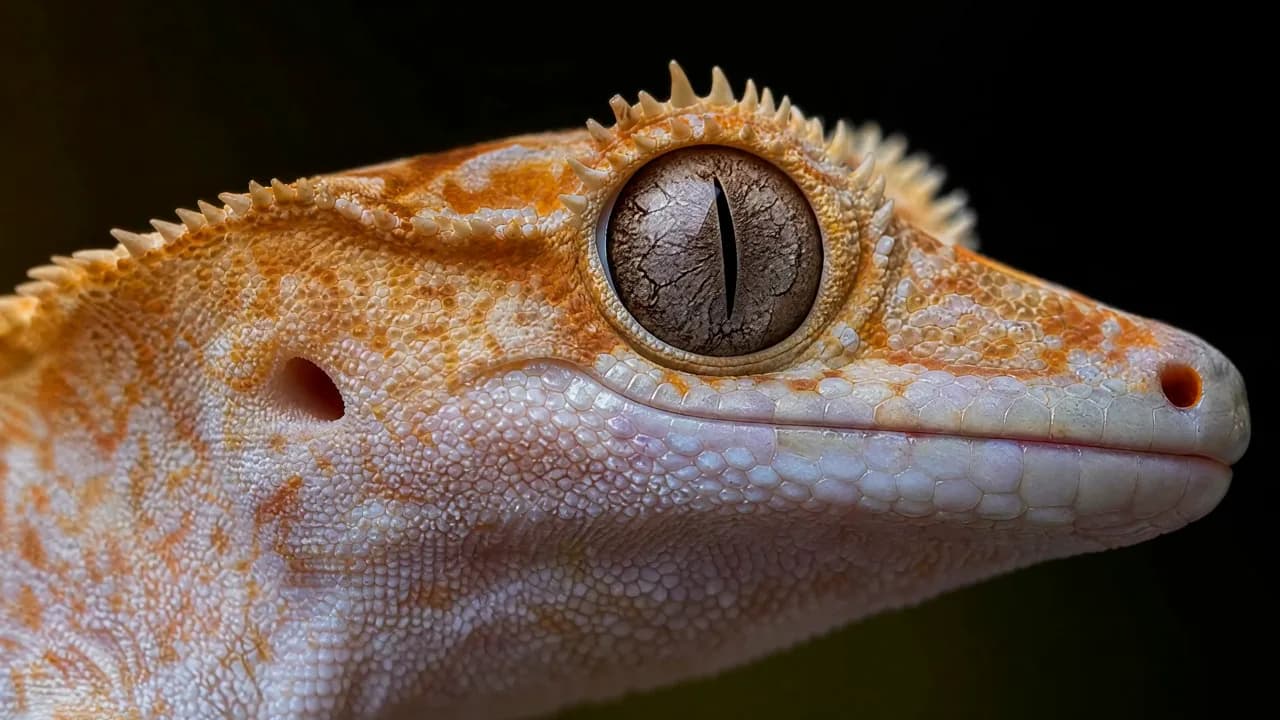
Detail at close range
A macro portrait of a gecko puts scales, reflections, and shallow focus at the center of the frame.
Multimodal AI video model
Bring text, images, video, and audio into one short-form workflow, then shape the action, camera, atmosphere, and sound from the generator above.
4–15 second shots · Up to 2K · Native stereo audio where supported
MiniMax H3 showcase
Explore six official H3 demonstrations, from tactile close-ups to graphic title sequences. Each caption highlights a visual or sonic detail to examine in the clip.
A macro portrait of a gecko puts scales, reflections, and shallow focus at the center of the frame.
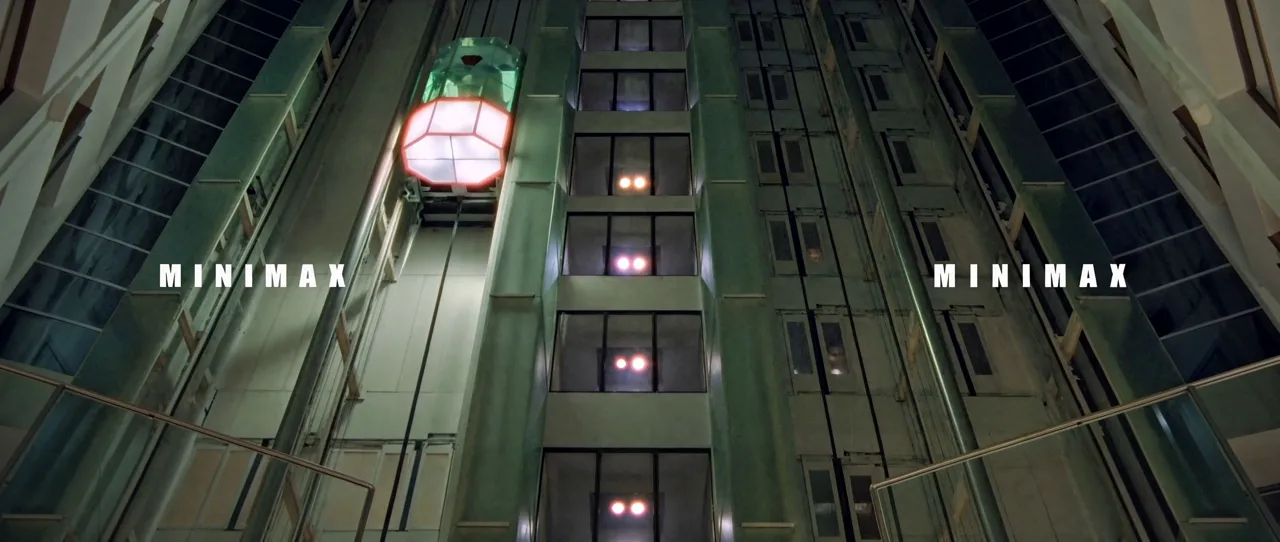
An industrial lift sequence pairs a rising camera move with a layered mechanical setting. Play with sound to hear the clip as a complete scene.
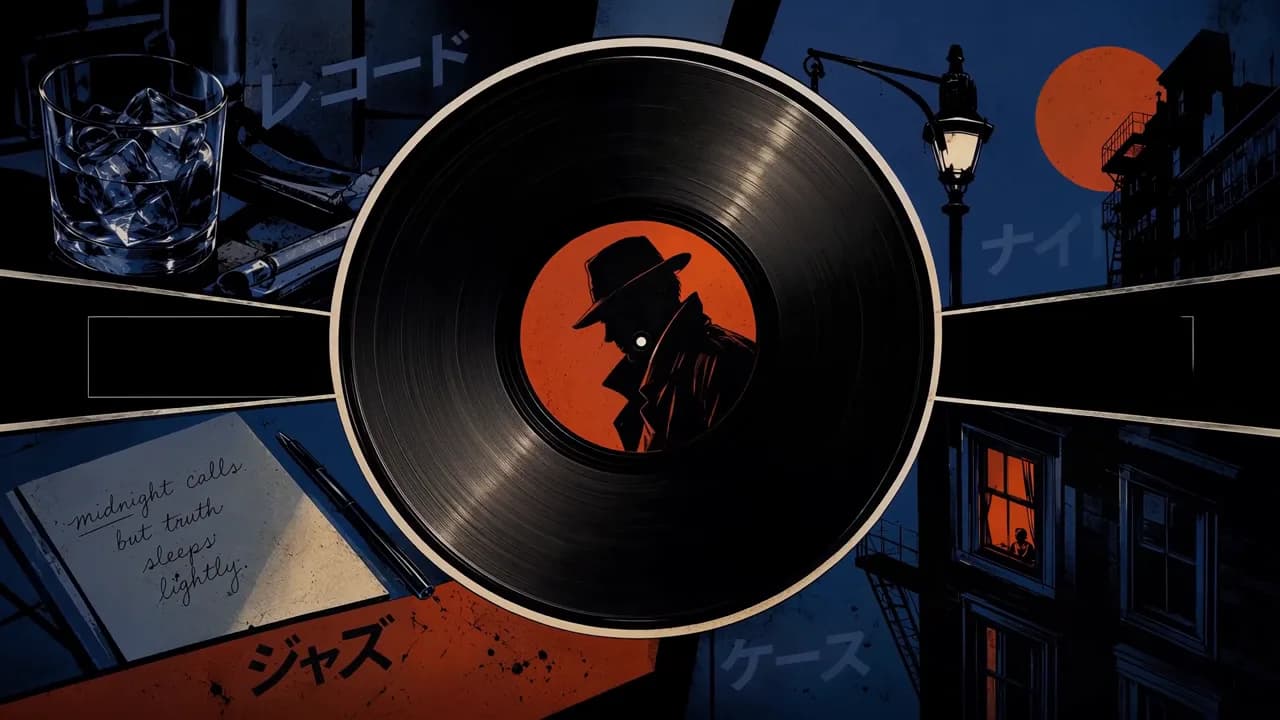
A record, handwritten note, streetlamp, and midnight skyline establish a stylized title sequence through bold visual motifs.
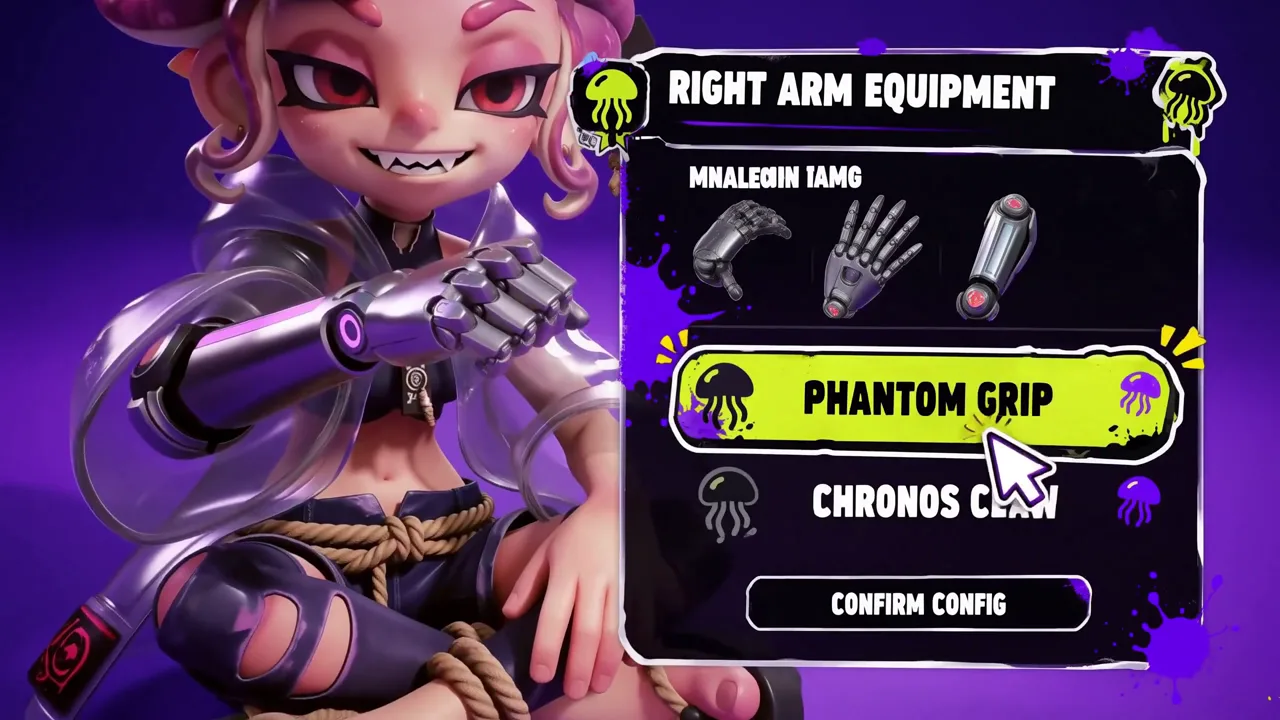
A vivid game character and equipment menu show how one short clip can move between a subject and its surrounding world.
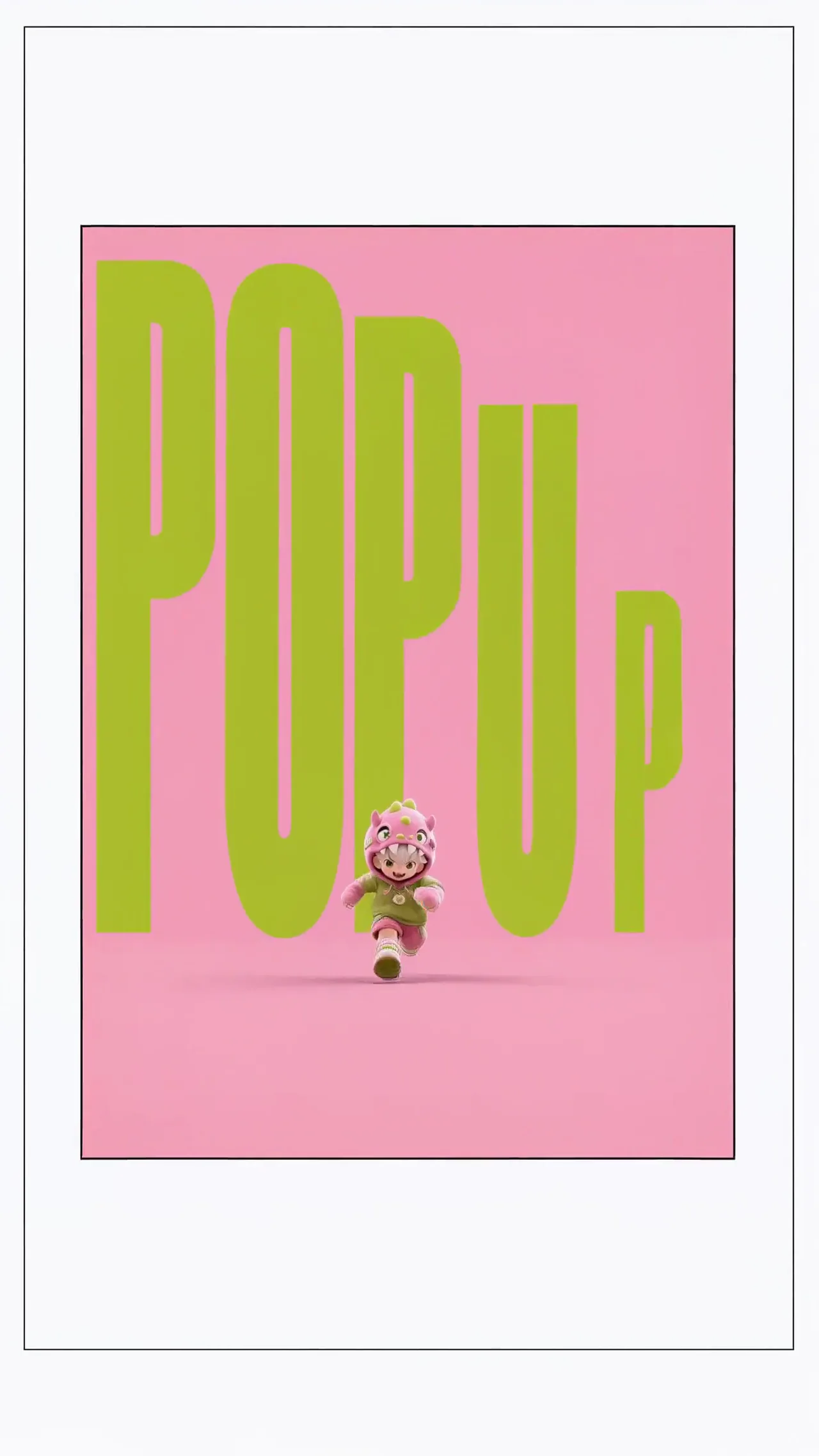
A playful vertical composition turns a small running character and oversized lettering into a social-ready motion study.
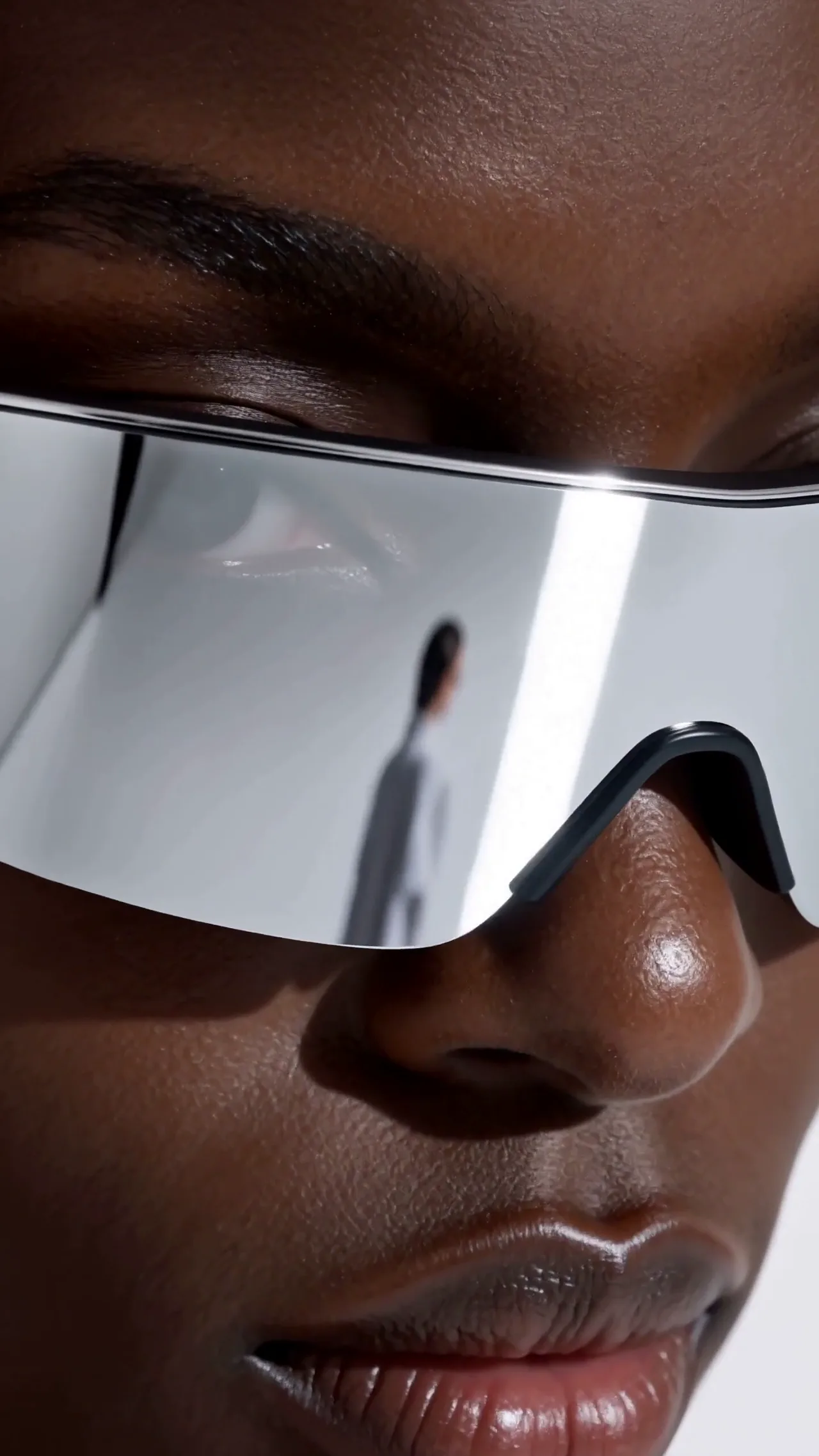
A reflective visor and tightly framed face create a clean product image designed for a vertical advertising format.
H3 can use text, images, video, and audio as reference context. Start from a prompt, guide the first or last frame, or combine reference media in one brief.
H3 can generate video with native stereo sound, giving dialogue, effects, and ambience a place in the same creative direction.
Generate at up to 2K when the selected workflow supports it. The added resolution can help with detail-oriented edits and reframing.
On Veemo, choose a duration from 4 to 15 seconds in whole-second steps, then shape the action and camera timing around that window.
For more directed results, describe the subject, setting, action, camera movement, and mood. Add dialogue, effects, or ambience when sound matters. These original Veemo examples are starting points, not the source prompts for the showcase clips.
Subject and setting → action and timing → camera → lighting and style → dialogue and sound
A brushed-steel travel speaker on a rain-dark rooftop at dusk. Water beads gather for two seconds, then pulse outward with the first bass note. Slow clockwise orbit into a close-up. Cool blue edge light, refined commercial finish. Deep stereo bass, light rain, no dialogue.
A tired station attendant stands alone beneath the clock in an empty 1980s railway hall. She folds a telegram, looks toward the arriving train, and whispers, “Right on time.” Begin waist-high, then make a gentle push-in. Warm practical lamps, muted film color. Distant brakes, footsteps, quiet dialogue.
At blue hour, wind moves through a flooded cypress forest while a narrow skiff drifts into silver mist. Track beside the boat, then tilt toward birds lifting from the canopy. Soft natural light, restrained cinematic color, lingering pace. Oar ripples, insects, far-off thunder.
Develop product reveals, campaign concepts, and compact branded moments.
Test vertical openings, visual surprises, and motion-led creative ideas.
Build a short performance around a subject, an action, and a camera move.
Explore framing, mood, and shot timing before a larger production decision.
Use existing image, video, or audio material to guide a new short-form direction.
MiniMax H3 is a multimodal video model. Veemo brings its text, image, and reference workflows into the existing video generator.
Start from text, guide a clip with a first or last frame, or combine image, video, and audio references with a prompt. The available fields change with the mode you select.
On Veemo, choose a whole-number duration from 4 to 15 seconds.
Yes. Official documentation lists 768P and 2K output options, so H3 can generate at up to 2K. The resolution available for a request depends on the selected workflow and settings.
H3 can generate video with native stereo sound. Describe relevant dialogue, effects, or ambience in the prompt when they matter to the shot.
Use references that clearly communicate the subject, motion, composition, or sound you want to carry forward. Supported file limits and fields are shown in the Veemo generator for the selected mode.
Credit costs depend on the model settings, duration, resolution, and reference media. Check the total credits shown before generating for the current price.
Write it like a compact shot list: establish the subject and setting, describe action and timing, choose the camera behavior, set the light and style, then specify dialogue and sound.
Return to the MiniMax H3 generator to start from text, guide a first or last frame, or combine reference media.
Create with MiniMax H3