AI Image Editor - Veemo AI
Integrated AI Models
AI Video Generators
OpenAI's advanced model with exceptional temporal consistency and cinematic quality


AI Image Generators
Fast and efficient image generator supporting up to 4K resolution with multiple reference image inputs.


AI Video Generators
OpenAI's advanced model with exceptional temporal consistency and cinematic quality
Transform and Edit Images with AI
Apply styles, enhance quality, change backgrounds with 20+ AI models including Midjourney, GPT-4o Image, Seedream 3, and Nano Banana Pro.
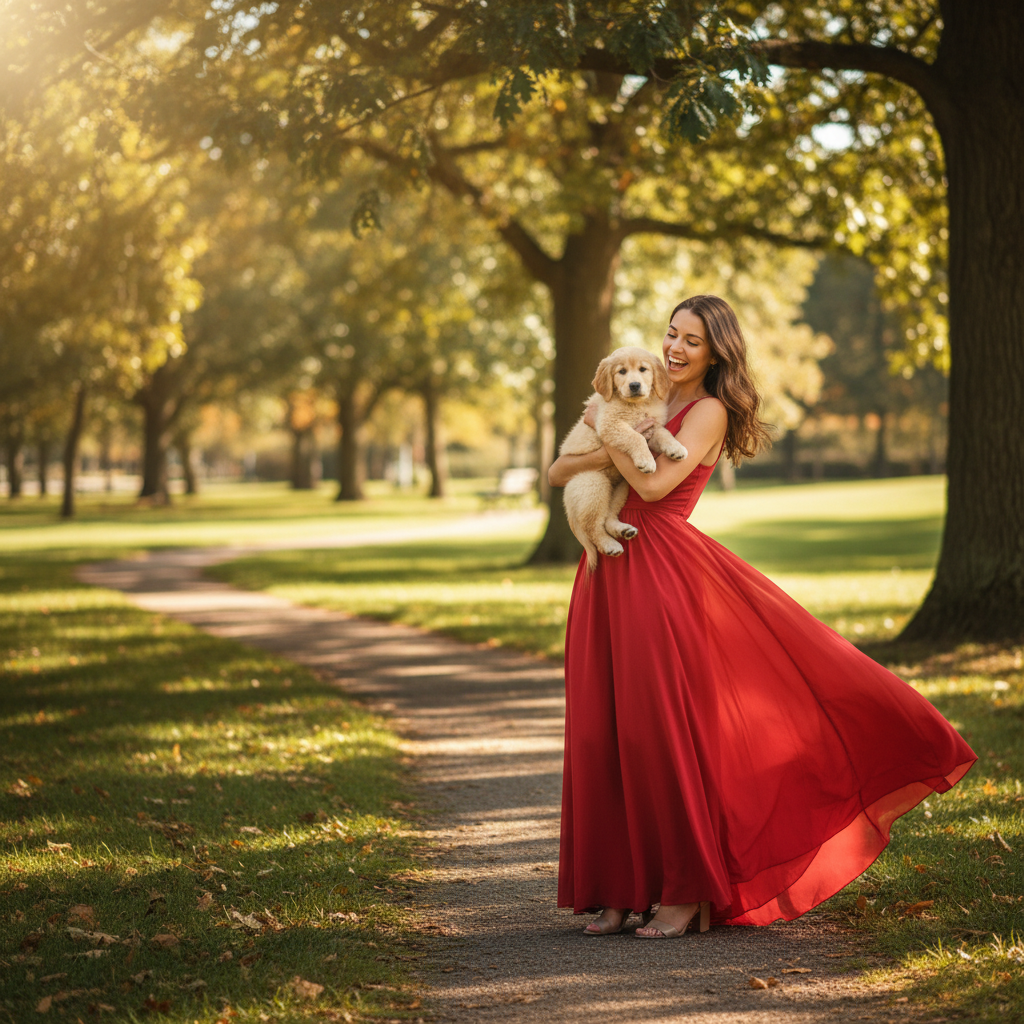
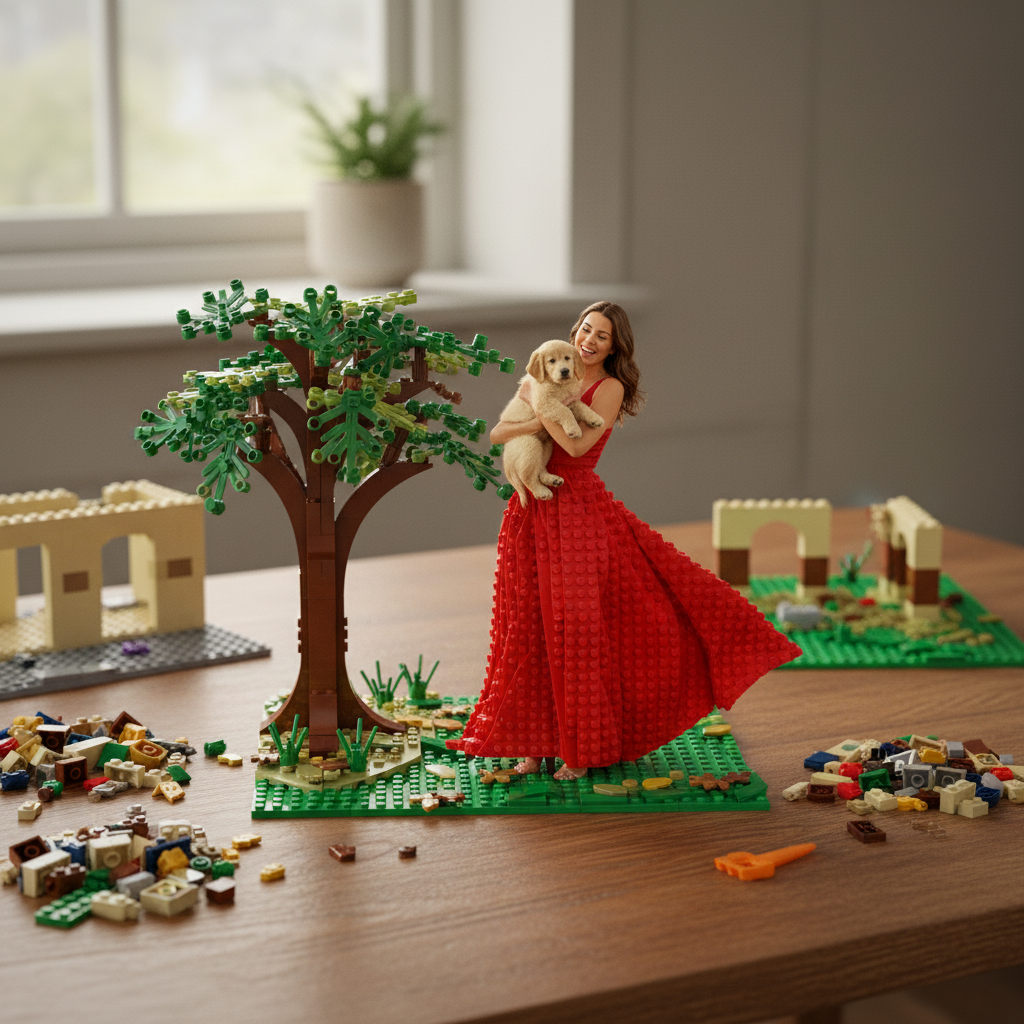
Edit Images with AI in 4 Simple Steps
Transform, enhance, and style your images with AI-powered editing. No design skills required.
Upload Your Image
Upload the image you want to edit. Support for JPG, PNG, and WebP formats.
Describe Your Edit
Tell the AI what changes you want. For example: "Apply oil painting style", "Enhance quality", or "Change background to sunset".
Choose Model & Settings
Select from 20+ AI models like Midjourney or GPT-4o Image. Adjust aspect ratio and other parameters.
Generate & Download
Click Generate and wait 15-45 seconds. Your edited image will be ready for download with full commercial rights.

Why Choose VEEMO AI Image Editor
- Edit images with 20+ AI models including Midjourney, GPT-4o Image, Seedream 3, and Nano Banana Pro.
- Perform AI inpainting, outpainting, style transfer, and background removal with simple text instructions.
- Enhance image quality, lighting, and color grading to professional standards with AI-powered enhancement.
- Fast processing with standard AI image edits completing in 15-45 seconds for rapid creative iteration.
- All-in-one AI image editor for designers, photographers, and marketers who need professional results.
- Full commercial rights on all edited images for marketing, design, and business use.
Explore More AI Image Tools
Select the area you want to change by brushing over it, then describe the replacement in plain text. The AI regenerates only the masked region while seamlessly blending edges with the surrounding pixels. Use it to remove unwanted objects, swap clothing, fix blemishes, or insert new elements into an existing photo.
Yes. The outpainting feature generates new content around the edges of your image, expanding the canvas in any direction. Describe what should appear in the extended area, and the AI fills it in while matching the original lighting, perspective, and color palette. This is useful for converting portrait crops into landscape banners or adding breathing room to tight compositions.
Style transfer preserves the structure, composition, and subject of your uploaded photo while applying a new visual treatment. The original layout stays intact, but colors, textures, and rendering style change. Generating from scratch creates an entirely new composition. Use style transfer when you want to keep a specific scene but reimagine its aesthetic.
The AI enhancement pipeline can improve sharpness, recover detail, and boost effective resolution. Results depend on the source quality, but images starting at 512px can typically be enhanced to look clean at 2x-4x their original size. For best results, combine upscaling with the quality enhancement option to improve lighting and color grading simultaneously.
The editor accepts JPG, PNG, and WebP files up to 20MB. Transparent PNGs retain their alpha channel through style transfer and enhancement operations. Output is delivered in PNG format by default to preserve maximum quality, with JPG available as a smaller-file alternative.
Significantly. Midjourney applies the strongest artistic stylization during edits. GPT-4o Image preserves text and fine detail most faithfully. Seedream 3 handles skin retouching and portrait enhancement with the most natural results. Nano Banana Pro processes edits fastest. Experiment with 2-3 models on the same edit to find the best fit for your specific task.
Ready to turn your ideas alive?
Join 10,000+ of creators generating stunning videos and images through one unified platform.
No account juggling, no complexity—just results.