The landscape of video creation is undergoing a seismic shift, powered by artificial intelligence. What once required years of technical skill and expensive hardware is now accessible through intuitive, powerful AI-driven tools. From generating entire cinematic scenes from a simple text prompt to automating tedious editing tasks like transcription and color correction, the best AI video editing software isn't just a gimmick. It's a fundamental change in how we tell stories. This guide cuts through the noise to provide a detailed breakdown of the top 12 platforms leading this charge.
This comprehensive resource is designed to help you find the perfect match for your specific needs, whether you're an e-commerce brand creating product demos, a social media manager producing daily content, or a filmmaker exploring new creative frontiers. We’ll move beyond generic feature lists and marketing jargon to deliver a practical analysis of each tool.
Inside, you will find a thorough evaluation of each platform, including:
- A concise profile of the software and its core audience.
- An analysis of its standout AI-powered features.
- Honest assessments of both strengths and limitations.
- Clear pricing information to match your budget.
- Practical use-case scenarios to see where each tool truly excels.
We've done the research so you don't have to. Each entry includes direct links and representative screenshots to give you a clear, immediate sense of the user experience. Our goal is to equip you with the insights necessary to select the right creative partner, streamlining your workflow and unlocking new possibilities for your video projects. Let's dive in and identify the ideal AI tool to bring your vision to life.
1. Veemo AI
Veemo AI distinguishes itself not as a single tool, but as a comprehensive AI creation studio. It consolidates over 20 of the industry's most powerful generative models into a unified, user-friendly interface. This approach makes it a formidable contender for the best AI video editing software, particularly for creators who prioritize flexibility, quality, and efficiency without a steep learning curve.
Instead of subscribing to multiple services, users can access leading engines like OpenAI’s Sora 2, Runway Gen-4, and Google’s Veo 3.1 all in one place. The platform’s guided workflow simplifies the entire creation process: you simply enter a text prompt or upload a reference image, configure key parameters like resolution and duration, and generate high-fidelity, physics-aware videos in minutes.
Key Features and Use Cases
Veemo AI's multi-modal capabilities make it exceptionally versatile for a wide range of applications, from e-commerce to indie filmmaking.
- Model Aggregation: Access to 20+ top-tier models (Sora 2, Veo 3.1, Runway Gen-4, Midjourney, Suno) allows you to experiment with different aesthetic styles and select the best engine for each specific project. This is ideal for creative agencies and filmmakers needing diverse visual outputs.
- AI Avatars: Generate lifelike AI avatars for tutorials, corporate training, or marketing videos. Educators and businesses can create professional-looking presenter videos without the need for cameras or on-screen talent.
- Image-to-Video and 360° Demos: Convert static product photos into dynamic, engaging video ads or immersive 360° demonstrations. This feature is a game-changer for e-commerce brands looking to boost conversions and showcase products more effectively.
- Integrated AI Editor: The platform includes an integrated AI image editor, enabling you to refine generated assets like thumbnails or visual elements directly within the workflow, streamlining the content creation pipeline.
Pricing and Plans
Veemo AI operates on a tiered, credit-based subscription model with a free trial available. Plans are designed to scale with user needs, offering discounts of up to 50% for annual commitments.
- Base: Suitable for individuals and small projects.
- Creator: Offers more credits and features for frequent content creators.
- Pro: Designed for professional teams and businesses, including large credit bundles, priority support, commercial use licensing, and copy protection.
Website: https://veemo.ai
2. Adobe Premiere Pro
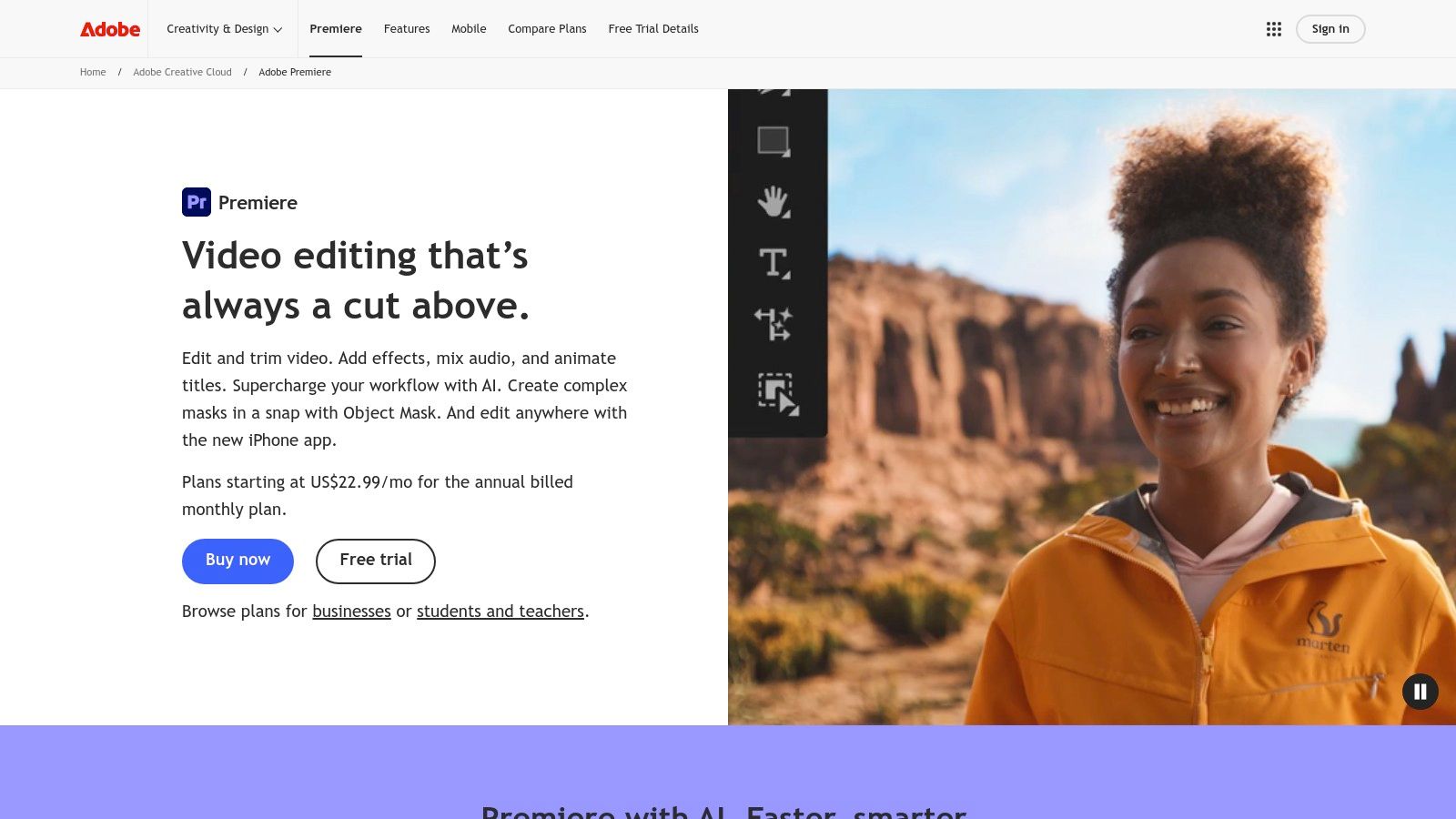
For professional editors and creative teams, Adobe Premiere Pro stands as the industry-standard non-linear editor (NLE) that has thoughtfully integrated AI to augment, not replace, traditional workflows. Rather than being a fully automated platform, it uses AI to solve specific, time-consuming problems within a familiar, powerful editing environment. This makes it some of the best AI video editing software for users who need deep creative control alongside intelligent assistance.
Premiere Pro's AI shines in its Sensei-powered features, particularly with text-based editing. The AI automatically transcribes your entire timeline, allowing you to edit video by simply cutting, pasting, and deleting words in the transcript. This workflow innovation is a massive time-saver for documentary, interview, and narrative-driven content.
Key AI Features & Use Cases
Adobe has focused its AI development on practical, workflow-enhancing tools that serve professional editors.
- Text-Based Editing: Quickly assemble a rough cut by editing a text document. Ideal for dialogue-heavy projects like podcasts, interviews, and corporate communications.
- Enhance Speech: A one-click solution that uses AI to remove background noise and dramatically improve the clarity and quality of vocal recordings, often eliminating the need for a separate trip to Adobe Audition.
- Auto Reframe: Intelligently analyzes the action in your frame and automatically reformats your sequence for different aspect ratios (e.g., from 16:9 to 9:16 for social media), keeping the subject perfectly in view.
- Firefly Generative Extend: Seamlessly extend the duration of a clip by generating extra frames at the beginning or end, perfect for matching a shot's timing to music or voiceover.
Pricing
Adobe Premiere Pro is available through a Creative Cloud subscription.
| Plan | Price | Key Details |
|---|---|---|
| Premiere Pro Single App | $22.99/month | Includes Premiere Pro, Adobe Express, and 100GB of cloud storage. |
| Creative Cloud All Apps | $59.99/month | Access to over 20 creative apps including After Effects, Photoshop, and Audition. |
Website: https://www.adobe.com/products/premiere
3. Runway
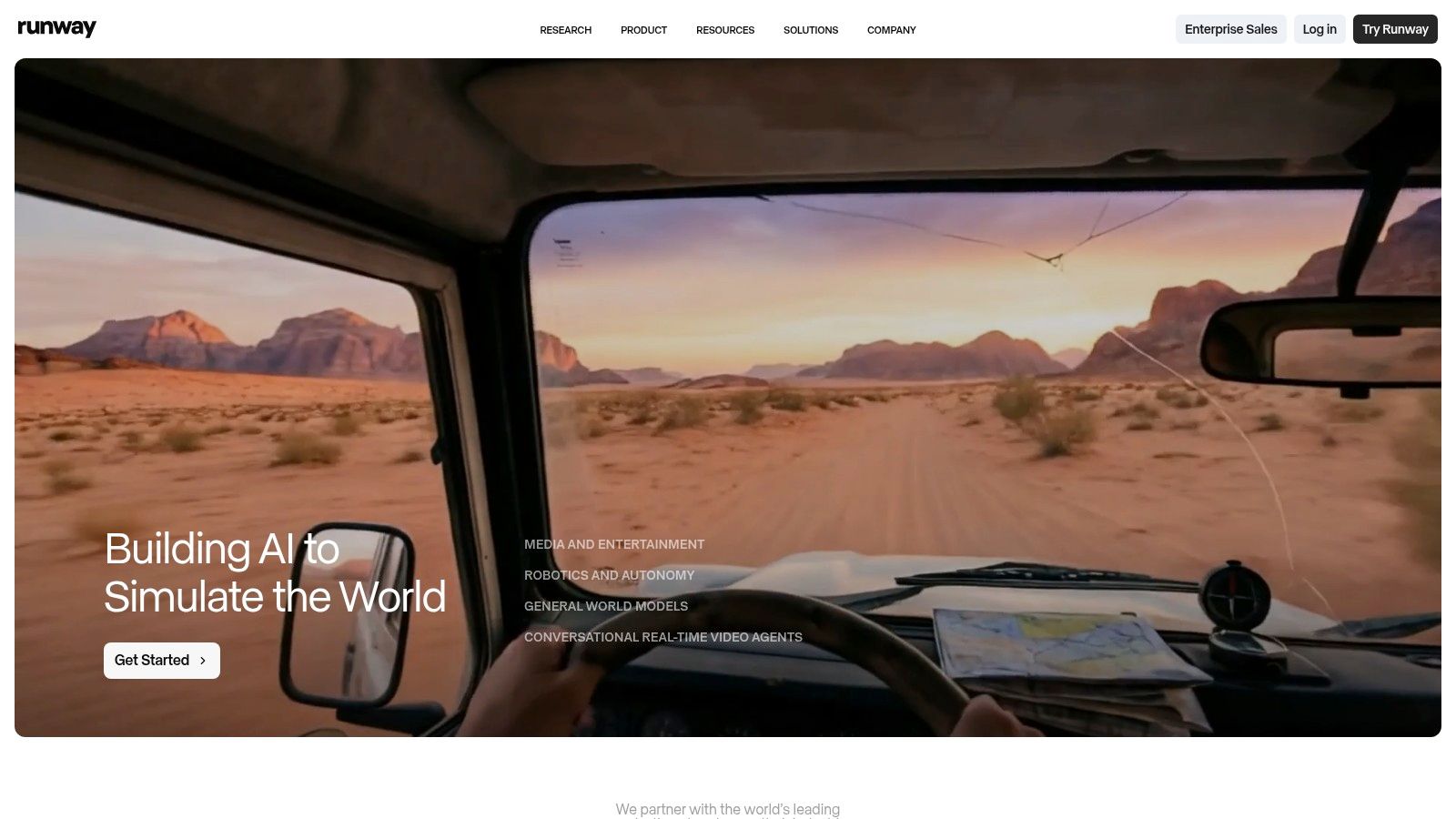
Runway has positioned itself at the forefront of generative AI, offering a web-based suite of creative tools designed for artists, filmmakers, and marketers who want to generate video content from scratch. More than just an editor, it's an AI magic kit for creating visuals that would otherwise be impossible or incredibly expensive to produce. This focus on pure AI generation makes it some of the best AI video editing software for users focused on concepting, creating ad visuals, and producing unique social media content.
The platform is most famous for its Gen-2 and Gen-3 Alpha models, which allow users to generate high-quality video clips from simple text prompts or by applying motion to still images. Its browser-based interface means there’s no software to install, allowing for rapid iteration and experimentation from any modern computer. This accessibility is key to its appeal for creators who need to move quickly from idea to finished asset.
Key AI Features & Use Cases
Runway’s tools are built around content creation and manipulation, powered entirely by advanced AI models.
- Text/Image to Video (Gen-3 Alpha): The flagship feature. Generate short video clips from text descriptions or by animating a source image. Perfect for creating ad b-roll, abstract visuals, and pre-visualizing film concepts.
- Video to Video: Transform an existing video by applying a text prompt or image style to it, completely changing its aesthetic.
- Infinite Image: Start with an image and use generative AI to expand its canvas in any direction, creating vast, detailed scenes.
- AI Training: Train your own custom AI model on specific subjects or styles for highly-tailored, on-brand content generation.
Pricing
Runway operates on a subscription model that includes a monthly allowance of credits, which are consumed by generating content.
| Plan | Price | Key Details |
|---|---|---|
| Standard | $15/user/month | Includes 625 credits per month, 1080p exports, and access to all AI Magic Tools. |
| Pro | $35/user/month | Includes 2,250 credits, 4K exports, unlimited projects, and no watermarks. |
| Unlimited | $95/user/month | Includes unlimited video generations (in Relaxed Mode) and 2,250 fast credits. |
Website: https://runwayml.com
4. CapCut
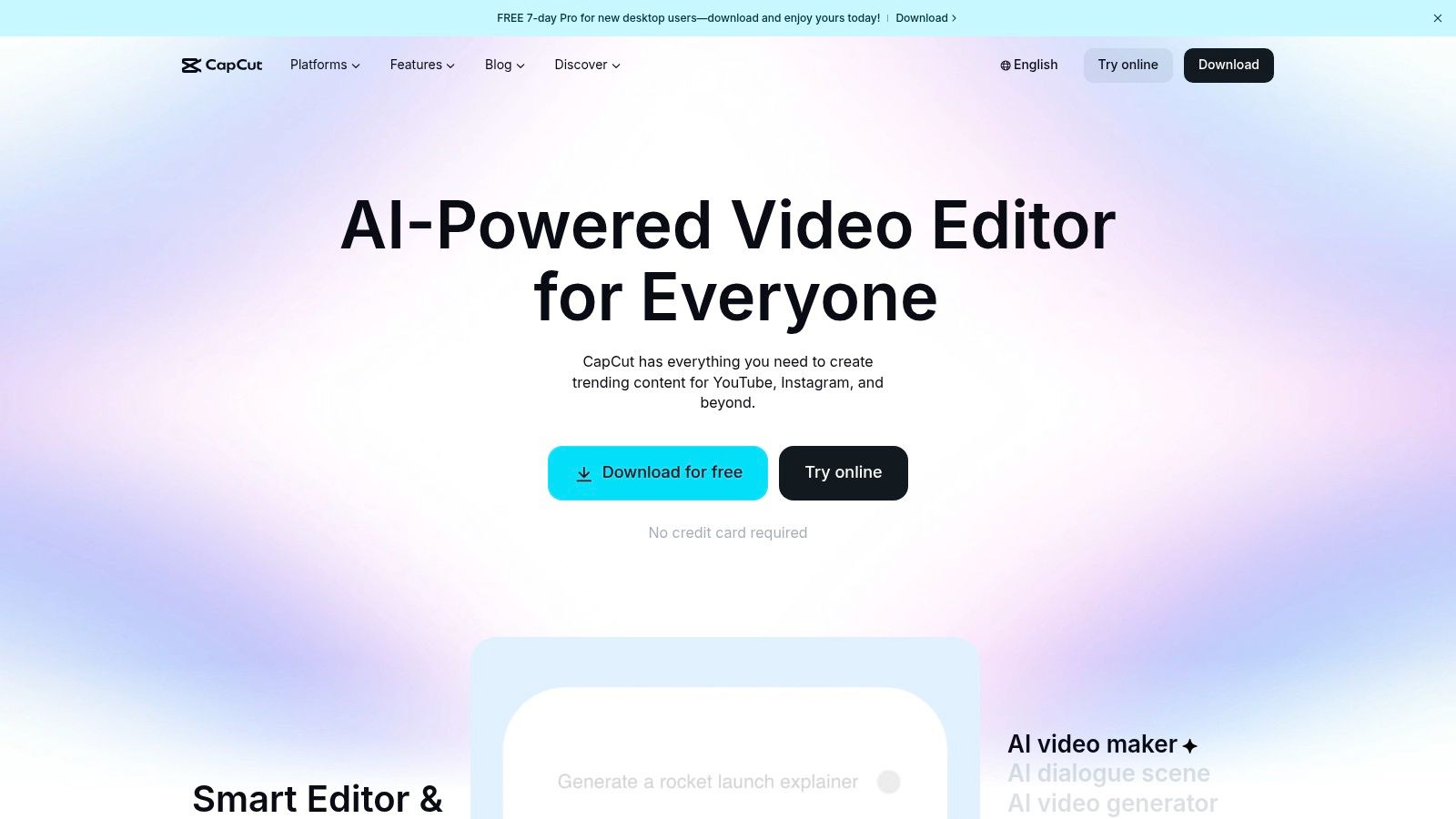
Originally a mobile-first editor that took the social media world by storm, CapCut has evolved into a powerful cross-platform tool available on web, desktop, and mobile. It excels at making trendy, high-engagement video creation accessible to everyone, regardless of skill level. Its strength lies in a massive library of templates, effects, and sounds combined with a suite of surprisingly effective AI tools, making it some of the best AI video editing software for rapid-fire social content creation for platforms like TikTok, Reels, and Shorts.
CapCut's AI features are designed for speed and convenience, automating complex tasks that would otherwise require advanced software. From one-click background removal to generating stylized captions that match current trends, the platform streamlines the entire workflow from concept to export, empowering users to produce professional-looking videos in minutes.
Key AI Features & Use Cases
CapCut’s AI toolkit is built for creators who need to produce compelling content quickly and consistently.
- Auto-Captions & Text-to-Speech: Automatically generate and animate subtitles for your videos with various trendy styles. The AI-powered text-to-speech (TTS) offers a wide range of natural-sounding voices for voiceovers.
- Background Removal: Instantly remove the background from a video clip without a green screen. This is perfect for creating product showcases, reaction videos, or placing subjects in new environments.
- AI Motion Tracking: Effortlessly apply text, stickers, or effects that follow a moving object or person in your video, adding a dynamic and professional touch to your edits.
- AI Portrait Generator: Create unique, stylized profile pictures or avatars from your photos directly within the editor.
Pricing
CapCut offers a robust free version, with a Pro subscription unlocking premium features. Pricing can vary by platform (web vs. mobile) and region.
| Plan | Price | Key Details |
|---|---|---|
| Free | $0 | Access to most core editing tools, basic effects, and standard exports. |
| CapCut Pro | ~$7.99/month (varies) | Unlocks premium effects, filters, templates, cloud storage, and advanced AI features. |
Website: https://www.capcut.com
5. Descript
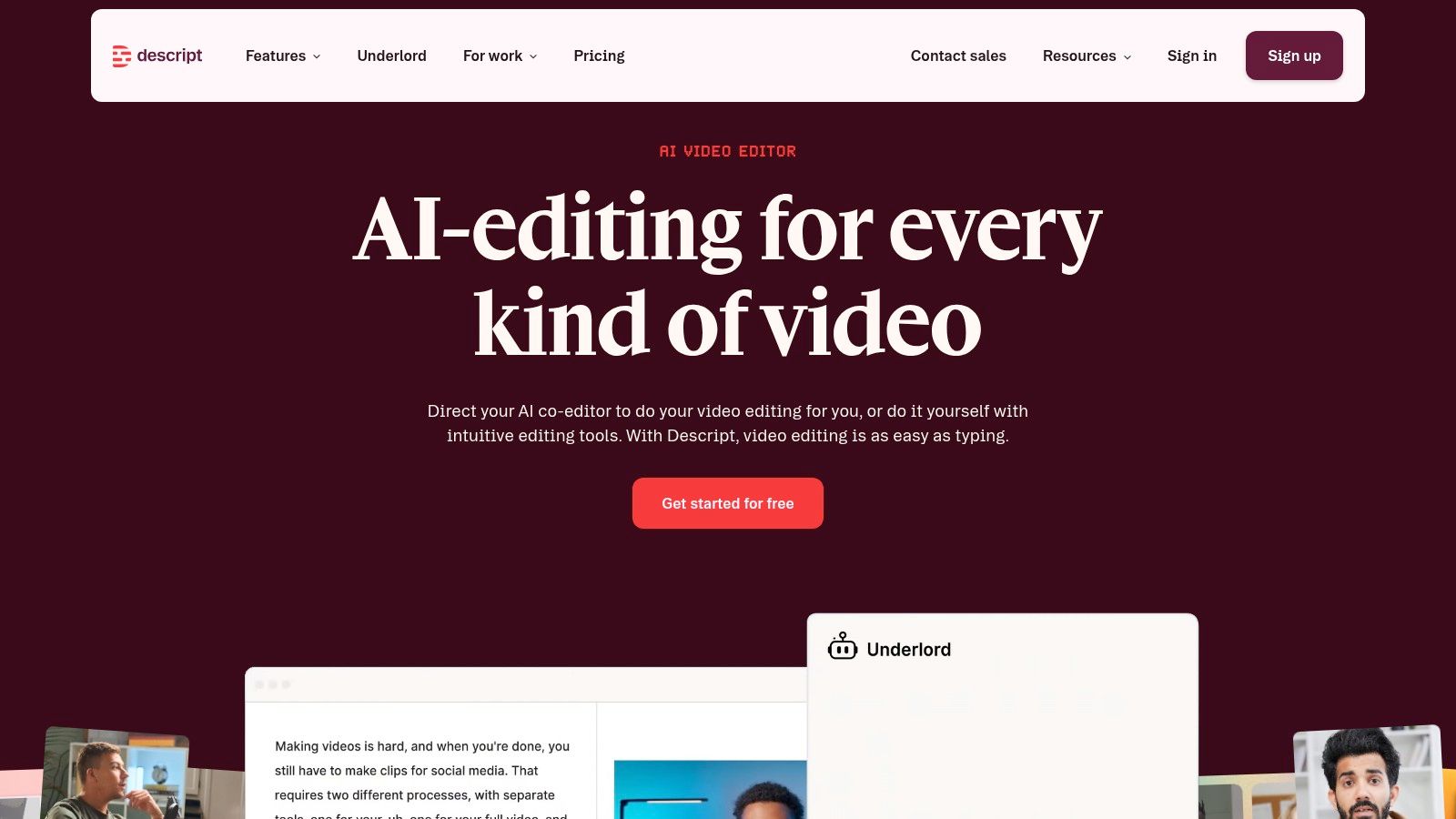
Descript revolutionizes video editing by starting with the transcript, not the timeline. It’s an all-in-one editor where video and audio are as easy to manipulate as a text document, making it ideal for podcasts, talking-head videos, tutorials, and corporate communications. This unique, transcript-first approach positions it as some of the best AI video editing software for creators who prioritize speed and efficiency in dialogue-driven content.
The platform automatically transcribes your media, allowing you to create a rough cut by simply highlighting and deleting words or sentences in the text. AI-powered features then handle the tedious cleanup work, from removing filler words with a single click to enhancing vocal quality to a professional standard. This workflow dramatically lowers the barrier to entry for video production.
Key AI Features & Use Cases
Descript's AI is built to streamline the entire process of creating spoken-word content, from initial edit to final polish.
- Text-Based Video Editing: Edit video by editing text. Perfect for trimming down interviews, cleaning up webinar recordings, and structuring narrative content quickly.
- Studio Sound: A one-click AI effect that removes background noise, cancels room echo, and enhances voice frequencies to deliver studio-quality audio.
- Filler Word Removal: Automatically detects and removes filler words like "um" and "uh" from your transcript and the corresponding video/audio timeline.
- AI Dubbing & Voice Cloning: Correct misspoken words or add new lines of dialogue by simply typing. The AI generates the new audio in your own cloned voice.
Pricing
Descript offers a free tier and several paid plans for individuals and teams.
| Plan | Price | Key Details |
|---|---|---|
| Free | $0/month | Includes 1 hour of transcription per month and limited AI features. |
| Creator | $12/month | 10 hours of transcription, unlimited watermark-free exports, and full AI features. |
| Pro | $24/month | 30 hours of transcription and access to all advanced features like AI dubbing. |
Website: https://www.descript.com
6. Wondershare Filmora
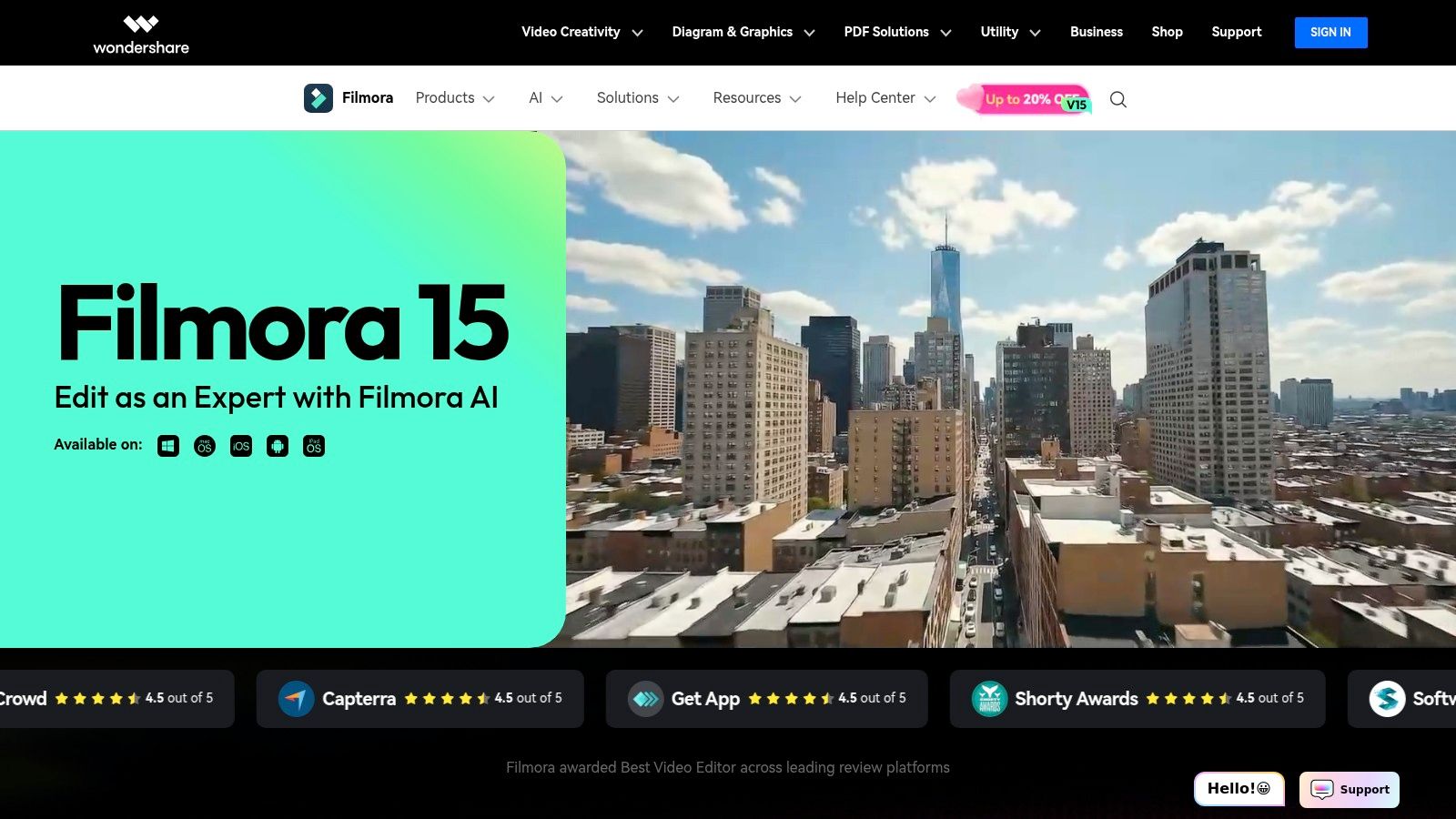
Wondershare Filmora strikes a balance between user-friendliness and powerful AI features, making it an excellent choice for creators and small businesses who want advanced capabilities without a steep learning curve. It's designed to guide users through the creative process, using AI to simplify complex tasks like masking, editing, and content generation. This makes it some of the best AI video editing software for those who need to produce polished content like ads, explainers, and social media videos quickly.
Filmora’s standout feature is its integrated AI Copilot, a conversational assistant that helps you edit and find the right tools. Instead of hunting through menus, you can simply ask the AI to perform an action. This, combined with generative tools like text-to-video, streamlines the entire production workflow from concept to final cut.
Key AI Features & Use Cases
Filmora’s AI tools are focused on accessibility and speed, helping users achieve professional results with minimal effort.
- AI Copilot & AI Mate: A chat-based editing assistant that helps you find functions, suggests edits, and automates tasks. Perfect for new users learning the software or anyone looking to speed up their workflow.
- AI Text-to-Video: Generate a complete video from a simple text prompt or a longer script, which is ideal for creating quick promotional content, social media ads, and video explainers.
- AI Smart Masking: Intelligently track and mask any object in your video with a few clicks, simplifying complex rotoscoping for visual effects or subject isolation.
- AI Portrait Cutout: Instantly remove the background from a video of a person without needing a green screen, great for creating vlogs, tutorials, and presentation videos.
Pricing
Wondershare Filmora offers both subscription and perpetual license options, providing flexibility for different budgets and needs.
| Plan | Price | Key Details |
|---|---|---|
| Annual Plan | $49.99/year | Includes all features and effects, plus monthly AI credits for generative tools. |
| Perpetual Plan | $79.99 (One-Time) | A single payment for lifetime access to the current version of Filmora. |
| Cross-Platform Plan | $59.99/year | Use Filmora across desktop, mobile, and tablet. |
Website: https://filmora.wondershare.com
7. DaVinci Resolve Studio
For filmmakers and editors seeking a complete post-production suite, DaVinci Resolve Studio integrates powerful AI features directly into its legendary color grading, editing, VFX, and audio workflows. Rather than being a separate AI tool, its DaVinci Neural Engine enhances existing professional processes, making it some of the best AI video editing software for users who need an all-in-one solution without subscriptions. The AI accelerates complex tasks that would otherwise take hours of manual work.
Resolve's approach is to embed AI deep within its toolset, from intelligent object removal to AI-based audio isolation. This means editors can stay within a single application for nearly every stage of production, using AI to streamline color correction, visual effects, and sound design. This holistic integration is its primary differentiator, especially for those working on cinematic or high-end projects.
Key AI Features & Use Cases
The DaVinci Neural Engine powers dozens of tools designed for precision and speed in high-end post-production.
- Magic Mask: Uses AI to perform object selection and rotoscoping with a single brush stroke. Ideal for isolating subjects or backgrounds for targeted color grading or effects.
- Voice Isolation: Instantly removes loud, undesirable background noise from dialogue recordings, leaving only the clean vocal track. Perfect for field interviews and noisy production environments.
- Smart Reframe: Similar to other platforms, it automatically reframes footage for different aspect ratios while keeping the subject centered, essential for social media cutdowns.
- Text-Based Editing: Transcribes audio to create a text document, allowing editors to build a rough cut by editing words and phrases directly in the transcript.
Pricing
DaVinci Resolve offers an incredibly generous free version and a one-time purchase model for its full Studio version.
| Plan | Price | Key Details |
|---|---|---|
| DaVinci Resolve | Free | A remarkably full-featured NLE with advanced editing, color, and audio tools. |
| DaVinci Resolve Studio | $295 (One-time) | Unlocks all Neural Engine AI features, advanced plugins, and collaborative tools. |
Website: https://www.blackmagicdesign.com/products/davinciresolve
8. Topaz Video (Topaz Video AI)
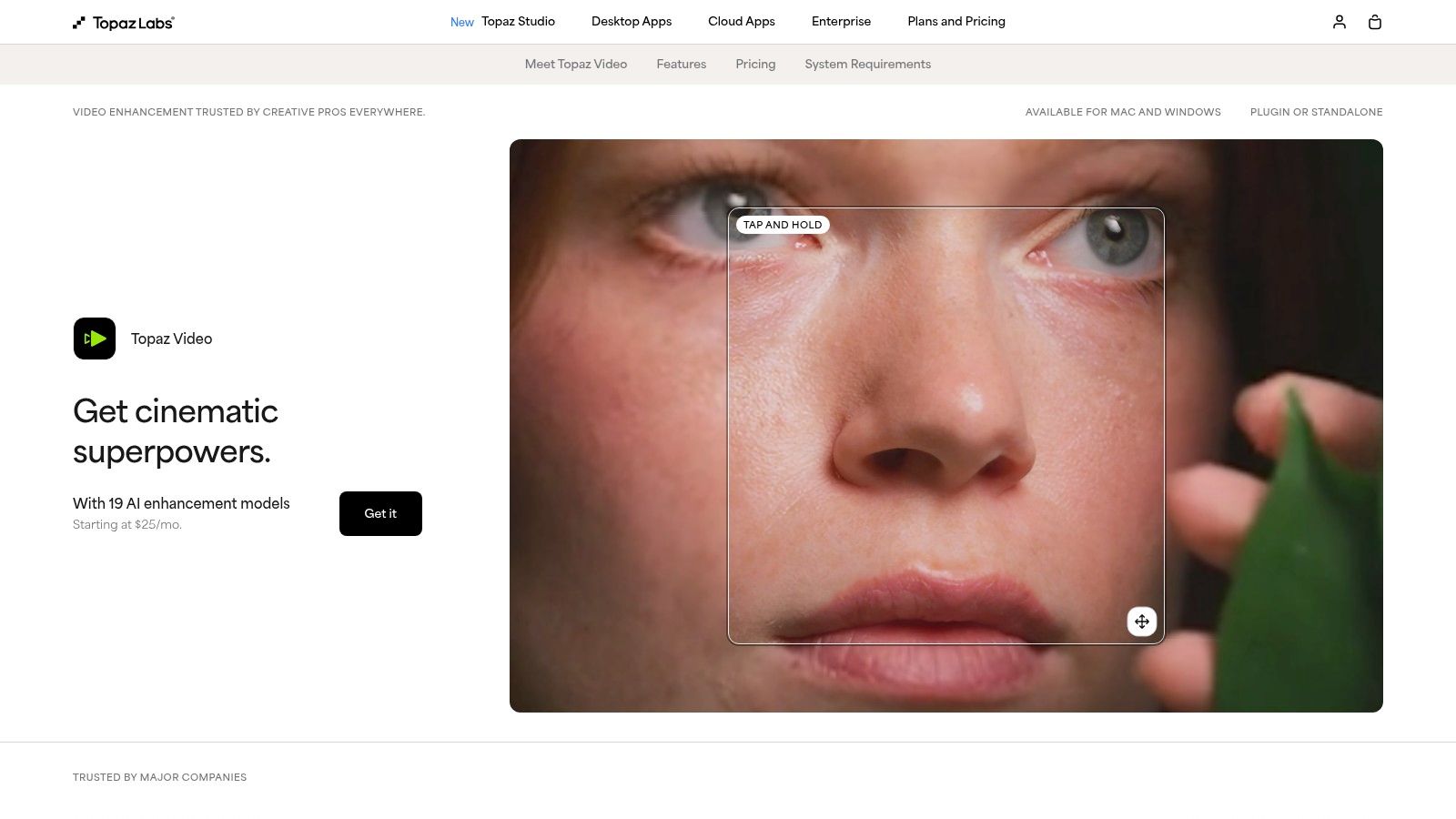
For professionals focused on video restoration and enhancement, Topaz Video AI is not a traditional editor but a specialized AI toolkit designed to dramatically improve video quality. It operates as a powerful companion to NLEs like Premiere Pro or DaVinci Resolve, focusing exclusively on upscaling, denoising, sharpening, and frame interpolation. This makes it some of the best AI video editing software for post-production artists, archivists, and filmmakers who need to salvage noisy footage or upscale older content to modern 4K, 8K, or even higher resolutions.
Rather than offering cutting and timeline tools, Topaz Video AI provides a suite of advanced AI models trained for specific enhancement tasks. It processes footage locally on your machine, which ensures media privacy and gives you direct control over the rendering process. This focus on specialized, high-quality enhancement distinguishes it from all-in-one editing platforms.
Key AI Features & Use Cases
Topaz Video AI excels at tasks that require sophisticated, pixel-level analysis and reconstruction.
- AI Upscaling: Transform low-resolution footage (e.g., SD or HD) into crisp 4K or 8K video. It's ideal for restoring archival material, remastering old films, or improving the quality of mobile phone clips for professional projects.
- Denoise & Deblur: Clean up grainy footage shot in low light or remove motion blur with specialized AI models like Nyx. This is a lifesaver for documentary filmmakers and event videographers working in unpredictable conditions.
- Frame Interpolation: Create ultra-smooth slow-motion effects from standard-speed footage. Using models like Chronos and Apollo, you can generate new frames to slow down action without stuttering, perfect for cinematic B-roll.
- Stabilization: Smooth out shaky handheld camera work with an AI model that intelligently corrects for unwanted movement, often producing better results than standard warp stabilizers.
Pricing
Topaz Video AI is sold as a one-time purchase, which includes one year of updates. After the first year, you can continue using the last version you own or purchase an upgrade license.
| Plan | Price | Key Details |
|---|---|---|
| Topaz Video AI | $299 | One-time purchase for a perpetual license. Includes one year of software upgrades. |
| Upgrade License | $149 | Optional purchase to get another year of updates after the first year expires. |
Website: https://www.topazlabs.com/topaz-video
9. Pika
For creators focused on rapid ideation and generating video from simple prompts, Pika has emerged as a leading text-to-video platform. It’s less about traditional editing and more about pure AI creation, turning text, images, or existing videos into entirely new animated clips. Its user-friendly interface and creative effects make it some of the best AI video editing software for generating novel concepts, social media content, and marketing snippets without any prior editing experience.
Pika excels at transforming static ideas into dynamic motion. Users can input a text prompt or upload an image and generate a short video in various styles. The platform’s strength lies in its "Pikaffects" and model variations, which allow for a high degree of creative control over the final output, from cinematic to anime styles. This makes it ideal for quick creative iterations and A/B testing visuals for ads or social posts.
Key AI Features & Use Cases
Pika is built for speed and creative exploration, offering tools that prioritize generation over post-production.
- Text/Image-to-Video: The core function, allowing users to create video from a simple text description or by animating a still image. Perfect for visualizing concepts, creating social media GIFs, or producing ad creatives.
- Video-to-Video Transformation: Apply different styles and effects to existing video clips, completely changing their aesthetic. Useful for artistic projects and brand campaigns.
- Expand Canvas: Automatically extends the frame of your video, generating new visual information to fit different aspect ratios (e.g., vertical for TikTok).
- Modify Region: Select specific areas within a video to change or animate, such as altering a character's clothing or adding an object to the background.
Pricing
Pika operates on a credit-based system, with paid plans offering more credits and commercial usage rights.
| Plan | Price | Key Details |
|---|---|---|
| Basic | Free | Includes initial credits to start, but with a watermark. |
| Standard | $8/month (billed annually) | No watermark, includes a monthly credit allotment, and standard generation speed. |
| Pro | $28/month (billed annually) | More credits, faster "Turbo" generation, and expanded creative tools. |
Website: https://pika.art
10. Luma AI (Dream Machine)
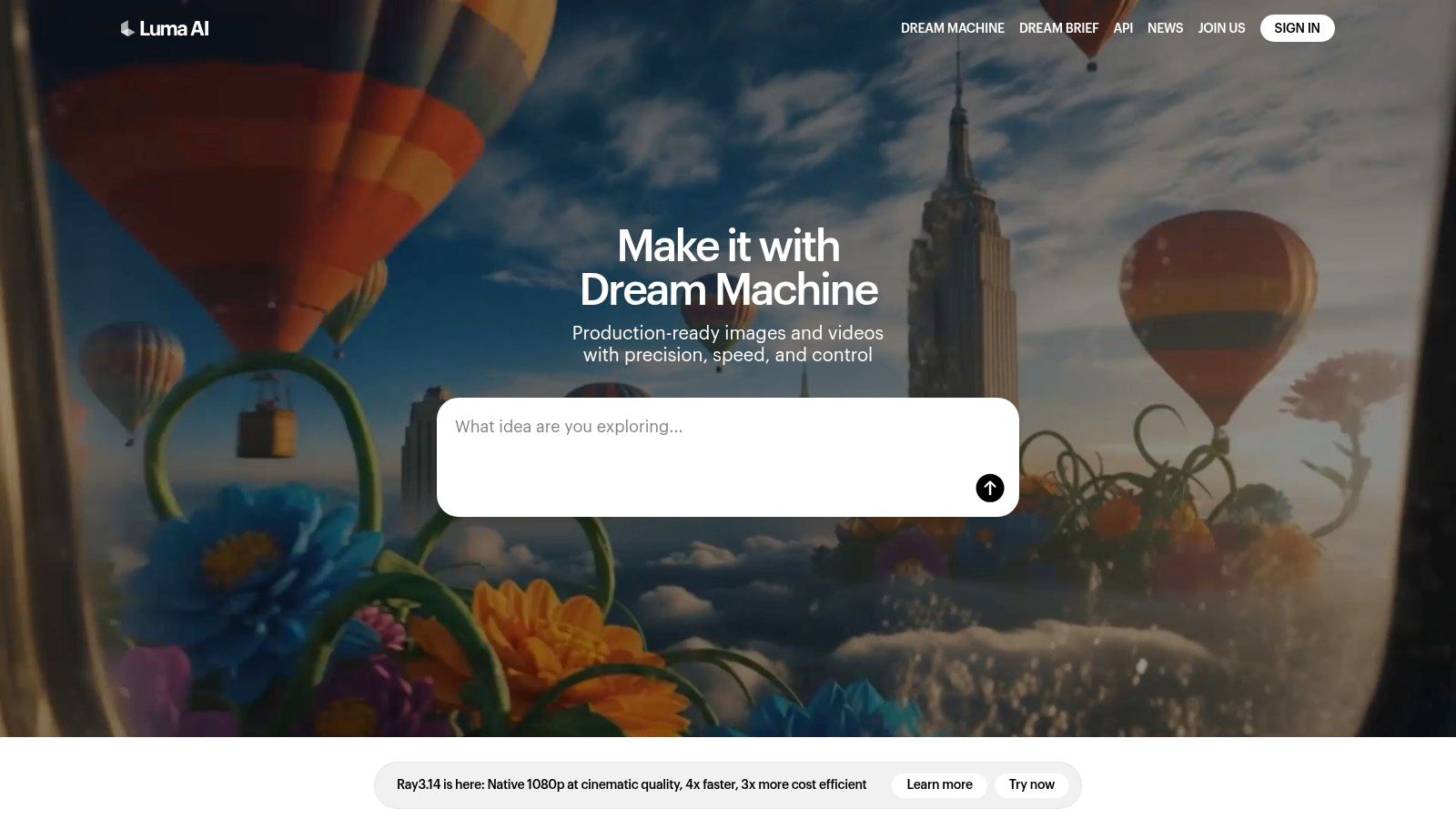
Luma AI's Dream Machine is a highly specialized text-to-video and image-to-video generation platform, excelling at creating short, high-fidelity clips with a focus on realistic physics and coherent motion. Rather than a traditional editor, it functions as a powerful clip generator, making it some of the best AI video editing software for sourcing b-roll, creating conceptual animations, or producing product shots from a simple text prompt. Its strength lies in translating ideas into photorealistic or stylized motion with impressive consistency.
The platform is built for creators who need to rapidly visualize concepts or generate unique visuals that would be difficult or expensive to film. Dream Machine's models are particularly adept at understanding how objects and characters should move and interact within a scene, setting it apart from competitors by delivering more believable and dynamic results for short-form content.
Key AI Features & Use Cases
Luma AI is focused on high-quality generation rather than post-production editing, making it ideal for specific creative tasks.
- Physics-Aware Generation: Creates video from text or images with an emphasis on realistic motion, weight, and interaction. Perfect for product demos and conceptual animations.
- Draft & Hi-Fi Modes: Quickly iterate ideas in a lower-cost Draft mode before committing credits to a high-fidelity final render, streamlining the creative process.
- Image-to-Video Animation: Animate still images, bringing logos, characters, or photographs to life with dynamic movement.
- 4K Upscaling: Higher-tier plans offer the ability to upscale generated clips to 4K resolution, making them suitable for professional projects.
Pricing
Luma AI operates on a credit-based system, with different plans offering a monthly allotment of video generations.
| Plan | Price | Key Details |
|---|---|---|
| Free | $0/month | 30 generations per month. |
| Standard | $29.99/month | 120 generations per month. |
| Pro | $99.99/month | 400 generations per month and priority access. |
| Premier | $499.99/month | 2,000 generations per month and priority access. |
Website: https://lumalabs.ai
11. G2
While not a video editor itself, G2 is an indispensable resource for anyone navigating the crowded market of AI-powered video tools. It functions as a massive, crowdsourced review marketplace where you can research, compare, and discover the best AI video editing software based on real user experiences. This platform provides a neutral ground to evaluate vendors beyond their own marketing claims.
G2's strength lies in its aggregated data, presenting side-by-side comparisons, satisfaction ratings, and filterable lists for categories like "AI Video Generators" and "Video Editing." You can quickly identify market leaders, niche tools, and emerging contenders, all backed by detailed reviews from verified users. For businesses, this is an essential first step in the procurement process, helping to build a shortlist of platforms that genuinely meet specific needs and user expectations.
Key Features & Use Cases
G2 is a research tool, not a creation tool. It helps you make a more informed decision before committing to a subscription.
- Aggregated User Reviews: Read what real users think, including detailed pros and cons, to understand a platform's true strengths and weaknesses.
- Comparison Grids: Directly compare features, pricing models, and user satisfaction scores for multiple software solutions at a glance.
- Category Leaders: The G2 Grid® visualizes market leaders, high performers, and niche players, helping you quickly identify reputable and popular options.
- Direct Vendor Links: Once you’ve narrowed down your choices, you can easily click through to the official vendor websites for a free trial or purchase.
Pricing
G2 is a free-to-use platform for browsing reviews and comparing software.
| Plan | Price | Key Details |
|---|---|---|
| User Access | Free | Browse all categories, read unlimited reviews, and use comparison tools. |
| Vendor Profiles | Paid Plans | For software companies looking to list their products and access marketing tools. |
Website: https://www.g2.com/categories/ai-video-generators
12. Capterra
While not a video editor itself, Capterra serves as an essential research hub for anyone trying to navigate the crowded market of AI-powered tools. It functions as a comprehensive directory, offering curated lists, vendor profiles, and aggregated user reviews that are invaluable for comparing different platforms. For those looking to make an informed decision, it's one of the best places to get a bird's-eye view of the best AI video editing software landscape before committing to a subscription.
Capterra's strength lies in its ability to consolidate key information in one place. You can quickly get a snapshot of a tool's core features, see pricing estimates, and read firsthand accounts from real users. This helps you identify top contenders and potential alternatives that you might not have discovered otherwise, saving significant research time.
Key Features & Use Cases
Capterra is a research tool for finding the right software, not creating content directly.
- Curated Overviews: Access detailed summaries and breakdowns of different AI video editors, perfect for initial research and shortlisting candidates.
- User Reviews & Ratings: Read authentic feedback from a wide range of users to understand the real-world pros and cons of each platform.
- Pricing & Alternatives: Quickly compare pricing structures and discover competing software, helping you find the best value for your specific needs.
- Direct Links to Trials: Easily navigate from their listings directly to official product websites to sign up for free trials and test the software yourself.
Pricing
Using Capterra for research is completely free. Pricing for the software listed on the site varies by vendor.
| Plan | Price | Key Details |
|---|---|---|
| Browsing & Research | Free | Access all reviews, comparisons, and articles without charge. |
| Vendor Pricing | Varies | Pricing is determined by the individual software vendors listed on the site. |
Website: https://www.capterra.com/resources/ai-video-editing-software
Top 12 AI Video Editing Tools — Quick Comparison
| Product | Core features ✨ | Quality & UX ★ | Value proposition 💰 | Target audience 👥 | Unique selling points ✨ |
|---|---|---|---|---|---|
| Veemo AI 🏆 | Text→video/image/audio, image editor, AI avatars, 20+ models | ★★★★★ — fast guided workflow | 💰 Free trial; Base/Creator/Pro; competitive commercial tiers | 👥 Creators, e‑commerce, social teams, filmmakers, startups | ✨ Multi‑model studio + AI avatars + photo→360° demos; priority support |
| Adobe Premiere Pro | Professional NLE, Firefly gen tools, text-based edit, audio cleanup | ★★★★★ — industry standard | 💰 Subscription (Creative Cloud); some gen features use credits | 👥 Pro editors, studios, agencies | ✨ Deep timeline tools & CC integration; robust pro workflows |
| Runway | Gen‑4/4.5 text/image→video, TTS, cloud projects, collaboration | ★★★★☆ — fast iteration in browser | 💰 Credit-based monthly plans; clear tiers | 👥 Social creators, concept artists, small teams | ✨ Browser-native generative suite with collaboration |
| CapCut | Auto-captions, TTS, BG removal, tracking, templates | ★★★★☆ — mobile-first ease | 💰 Freemium + in-app purchases/subscriptions | 👥 Short-form creators, TikTok/Reels users | ✨ Huge template/effects library; one‑click social exports |
| Descript | Transcript-first editing, Studio Sound, AI dubbing, collaboration | ★★★★☆ — super fast for talking-heads | 💰 Subscription tiers (podcast/video focus) | 👥 Podcasters, educators, tutorial creators | ✨ Text-based editing + filler removal + voice cloning |
| Wondershare Filmora | AI Mate/Copilot, text→video, smart masking, flexible licensing | ★★★☆☆ — easy learning curve | 💰 Subscription + perpetual options; monthly credits | 👥 SMB marketers, beginner creators | ✨ Guided AI tools + perpetual license option |
| DaVinci Resolve Studio | Editing, Fusion VFX, Fairlight audio, Neural Engine AI | ★★★★★ — pro & cinematic | 💰 Free version; one-time Studio license | 👥 Colorists, filmmakers, long‑form pros | ✨ Hollywood‑grade color + powerful free tier |
| Topaz Video AI | Upscaling, denoise, interpolation, local rendering | ★★★★☆ — industry-leading enhancement | 💰 Purchase/subscription; pro multi‑GPU options | 👥 Restoration pros, VFX, privacy‑focused teams | ✨ Best-in-class upscaling & restoration; local workflows |
| Pika | Text/image→video, 'Pikaffects' effects, API access | ★★★★☆ — quick social iterations | 💰 Credit-based plans; predictable entry pricing | 👥 Social marketers, small agencies | ✨ Intuitive UI + stylistic effect library + API |
| Luma AI | Physics-aware Ray models, Draft/Hi‑Fi modes, 4K/HDR tiers | ★★★★☆ — high realism, short clips | 💰 Credit tables per model/resolution | 👥 Product marketers, concept teams, enterprises | ✨ Physically realistic motion; Hi‑Fi outputs & clear pricing |
| G2 | Aggregated reviews, category filters, vendor comparisons | ★★★★☆ — helpful marketplace lens | 💰 Free to browse; vendor-paid placements exist | 👥 Buyers researching vendors, procurement teams | ✨ Crowd-sourced reviews & quick shortlist comparisons |
| Capterra | Vendor profiles, pricing snapshots, editorial roundups | ★★★★☆ — useful for quick vendor research | 💰 Free to browse; editorial summaries may lag | 👥 SMBs researching software options | ✨ Curated overviews, pricing ballparks & alternatives |
Making Your Final Cut: Which AI Tool Is Right for You?
The landscape of video creation has fundamentally shifted, and navigating the world of AI-powered editing can feel overwhelming. We've explored a wide spectrum of tools, from industry-standard behemoths integrating AI to disruptive, text-to-video platforms changing the very definition of content creation. The journey to finding the best ai video editing software is not about finding a single "perfect" tool, but about identifying the one that aligns seamlessly with your specific workflow, budget, and creative ambitions.
Your final decision hinges on a clear understanding of your primary use case. The path you choose will look very different depending on whether you are a professional filmmaker, a social media manager, or a small business owner.
Recapping the Contenders: A Use-Case Breakdown
Let's distill our findings into clear recommendations based on user needs:
- For the Professional Editor & Filmmaker: If you require unparalleled control, deep color grading, and integration with a professional post-production ecosystem, Adobe Premiere Pro and DaVinci Resolve Studio remain the undisputed champions. Their AI features, like automated transcription and subject masking, are designed to enhance, not replace, the traditional editing workflow.
- For the Podcaster & Tutorial Creator: Descript offers a revolutionary approach that is hard to ignore. Its text-based editing, overdub features, and studio sound capabilities make it the go-to choice for anyone whose content is driven by spoken word, transforming tedious audio and video editing into a simple word processing task.
- For the Social Media Power User: When speed and trend-readiness are paramount, CapCut is king. Its mobile-first design, vast library of templates, and viral-ready AI effects make it an essential tool for creating engaging short-form content for platforms like TikTok and Instagram Reels.
- For the Generative Art Explorer: If your goal is pure creation and pushing the boundaries of what's possible with AI, platforms like Runway, Pika, and Luma AI are your digital playgrounds. These tools are at the bleeding edge of text-to-video and image-to-video generation, perfect for artists, animators, and experimental filmmakers.
The All-in-One Solution for Modern Creators and Businesses
While specialized tools excel in their niches, many creators and businesses require a more holistic solution. This is where a platform like Veemo AI carves out its unique and powerful position. It's built for those who don't want to juggle multiple subscriptions or navigate the steep learning curves of several different interfaces.
Veemo AI stands out by aggregating the power of over 20 top-tier AI models, including the technology behind giants like Sora and Runway, into a single, intuitive platform. This makes it an exceptionally strong contender for:
- E-commerce Brands: Quickly generate product videos, 360-degree demos, and promotional ads from simple text prompts.
- Marketing Teams: Create consistent, on-brand social media content, explainers, and AI avatar-led presentations without needing a dedicated video production team.
- Educators & Startups: Produce high-quality training materials, tutorials, and pitch videos efficiently and affordably.
The true value of Veemo AI lies in its ability to remove friction from the creative process. It centralizes generative video, AI-powered image creation, voiceovers, and avatar generation, making it arguably the best ai video editing software for users who need a versatile, powerful, and accessible creative suite.
Ultimately, the right tool is the one that empowers you to bring your vision to life with the least resistance. We encourage you to revisit the options that resonated most, take advantage of free trials, and experiment. The world of AI video editing is evolving at an incredible pace, and by choosing the right partner for your creative journey, you position yourself at the forefront of this exciting revolution.
Ready to experience a unified platform that combines the power of the world's best generative models? See for yourself how Veemo AI simplifies the creation of stunning videos, images, and audio. Stop juggling tools and start creating by visiting Veemo AI to begin your free trial today.